
SplitWeeks: Custody Calendar
Connect your custody week, child activities and prepared bags. With Pro, review changes, save complete PDF packets and invite a trusted person to a private workspace.
iPhone and iPadAvailable worldwideVersion 2.0.0
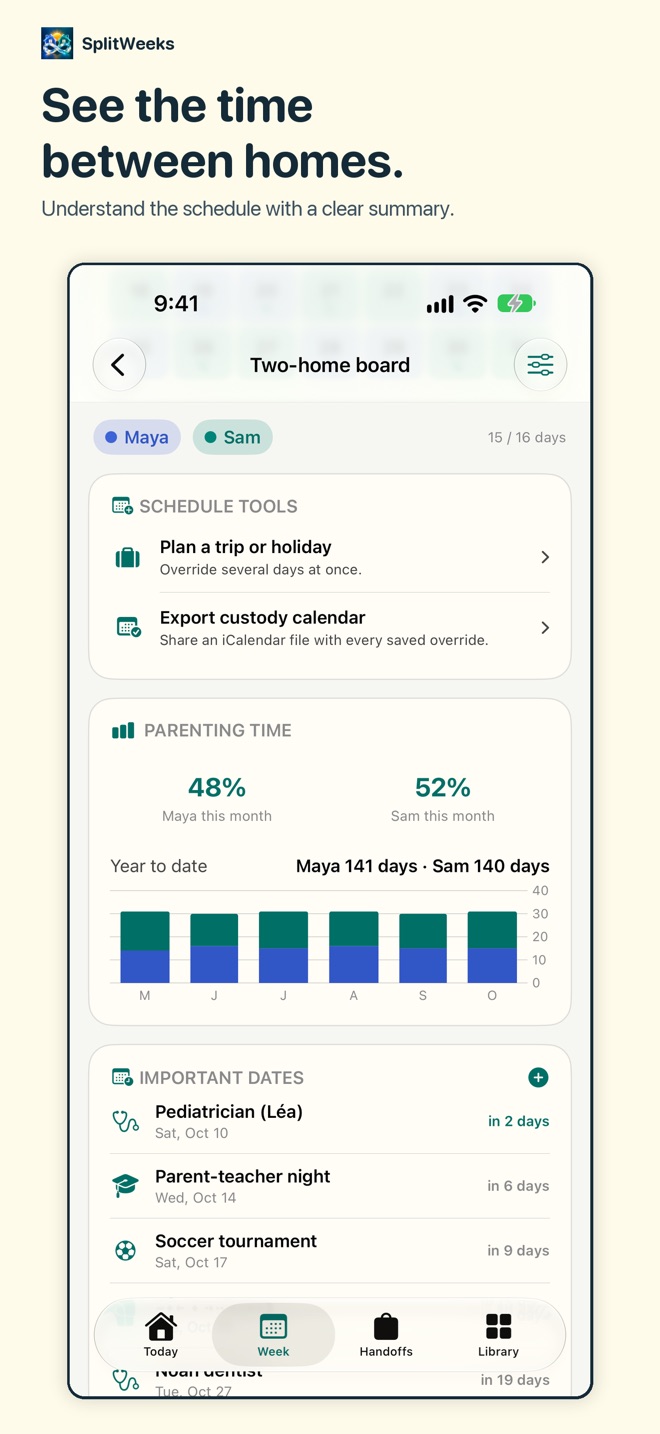
Two homes. One clear week.
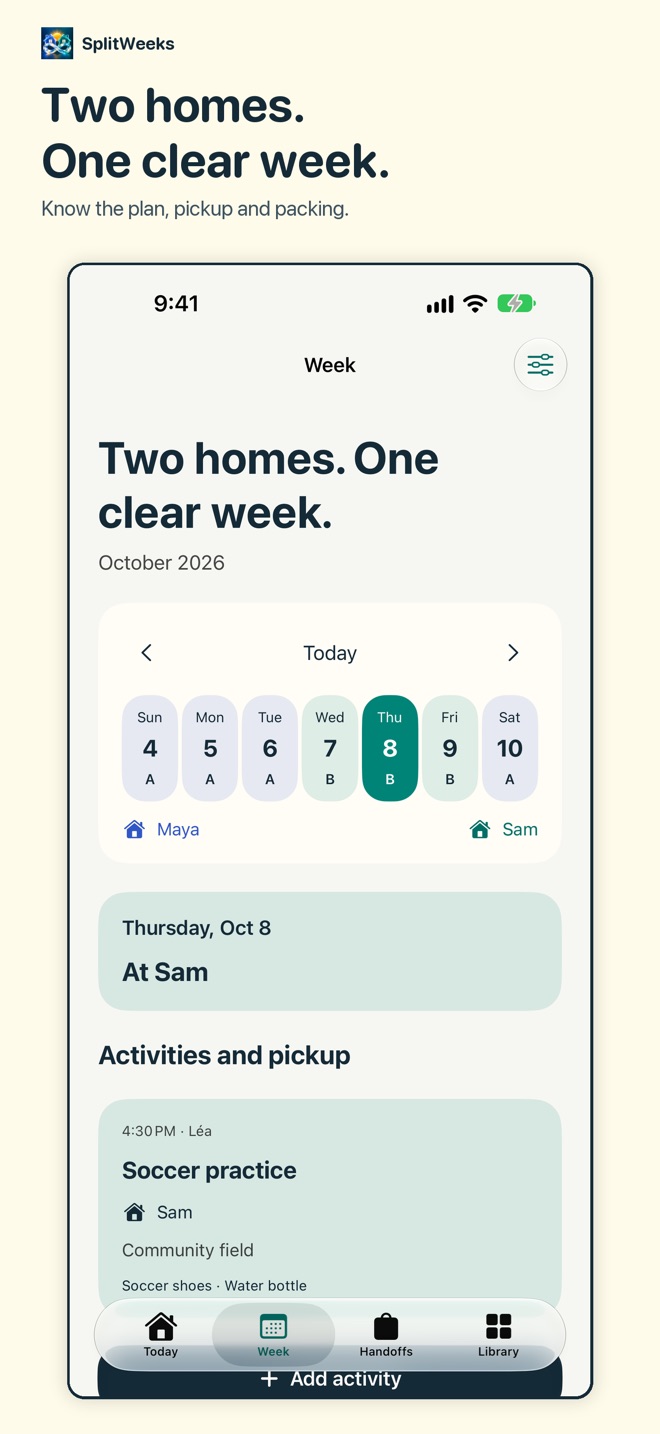
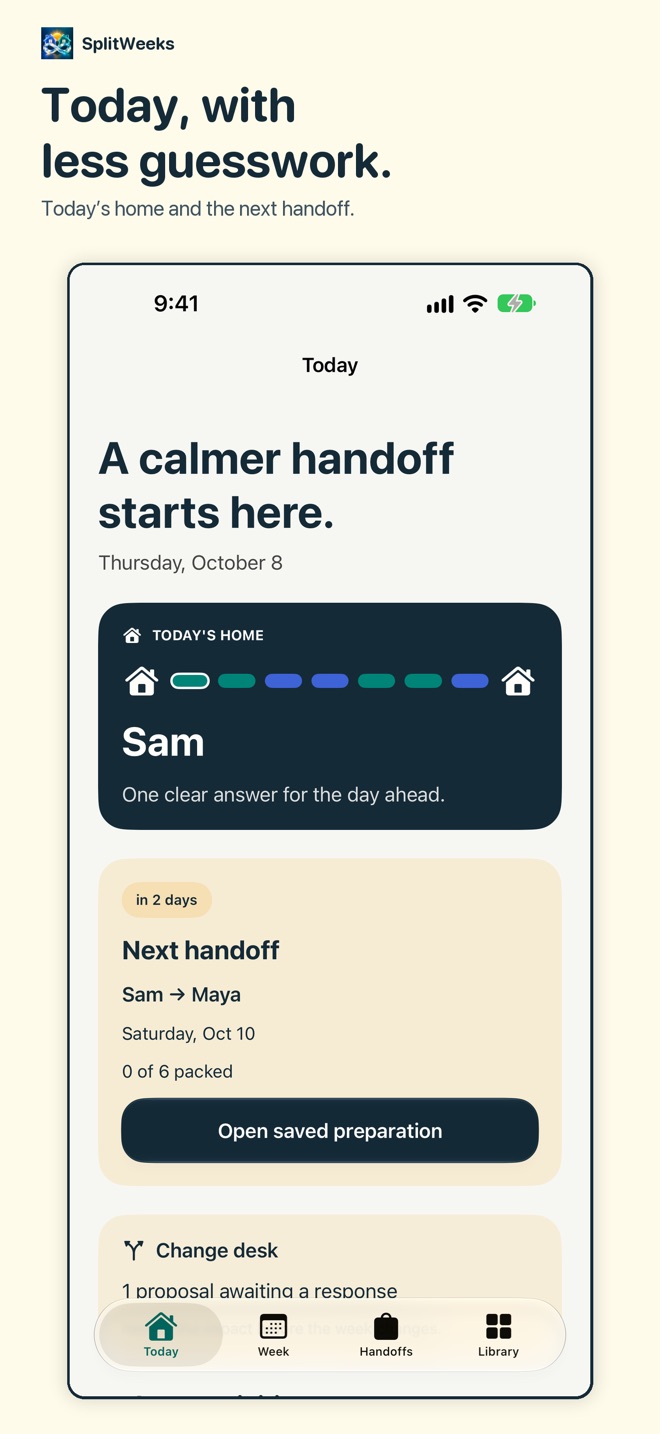
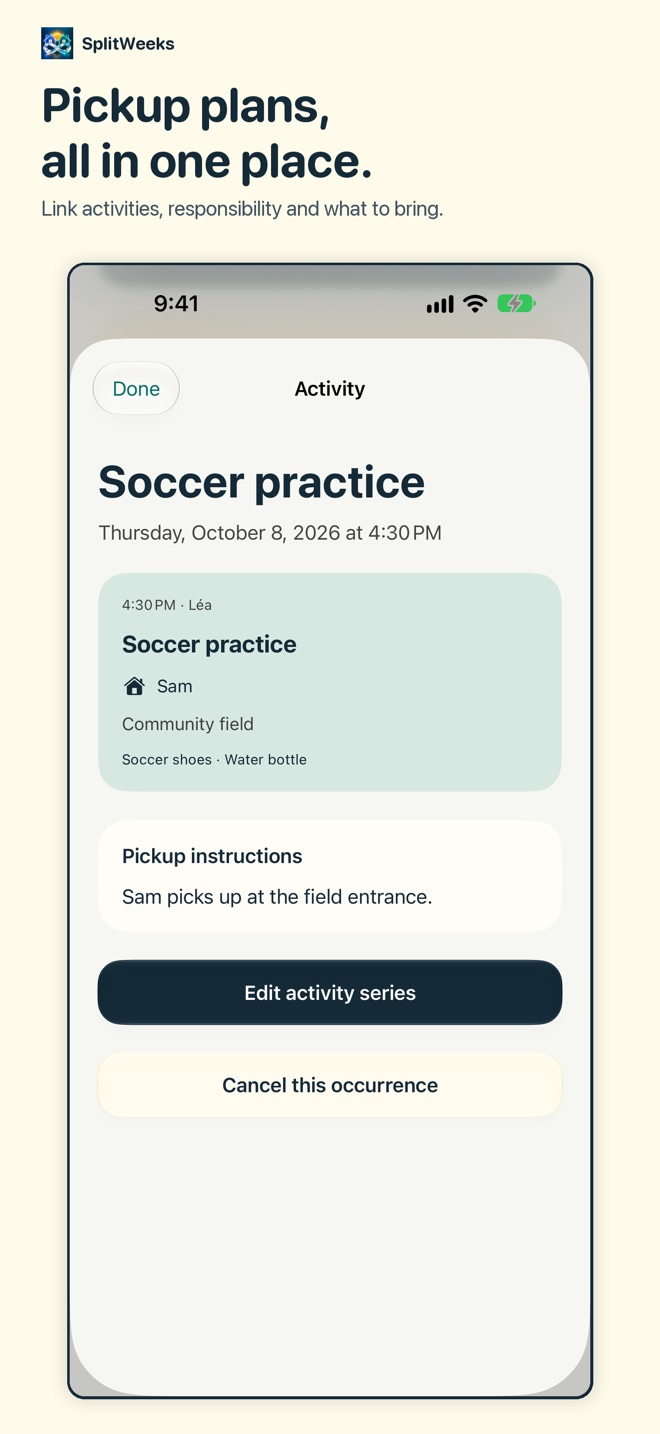
SplitWeeks connects your custody schedule with the details that make the next handoff easier: child activities, pickup responsibility, packing, reference photos and a reviewed PDF packet.
PLAN THE WEEK
Choose a repeating pattern: 2-2-3, 2-2-5-5, alternating weeks, alternating weekends or a custom cycle. Follow the seven-day home route, add recurring activities and see who handles pickup and what to bring. Keep important dates, day swaps, longer exceptions and the monthly calendar together.
PREPARE THE HANDOFF
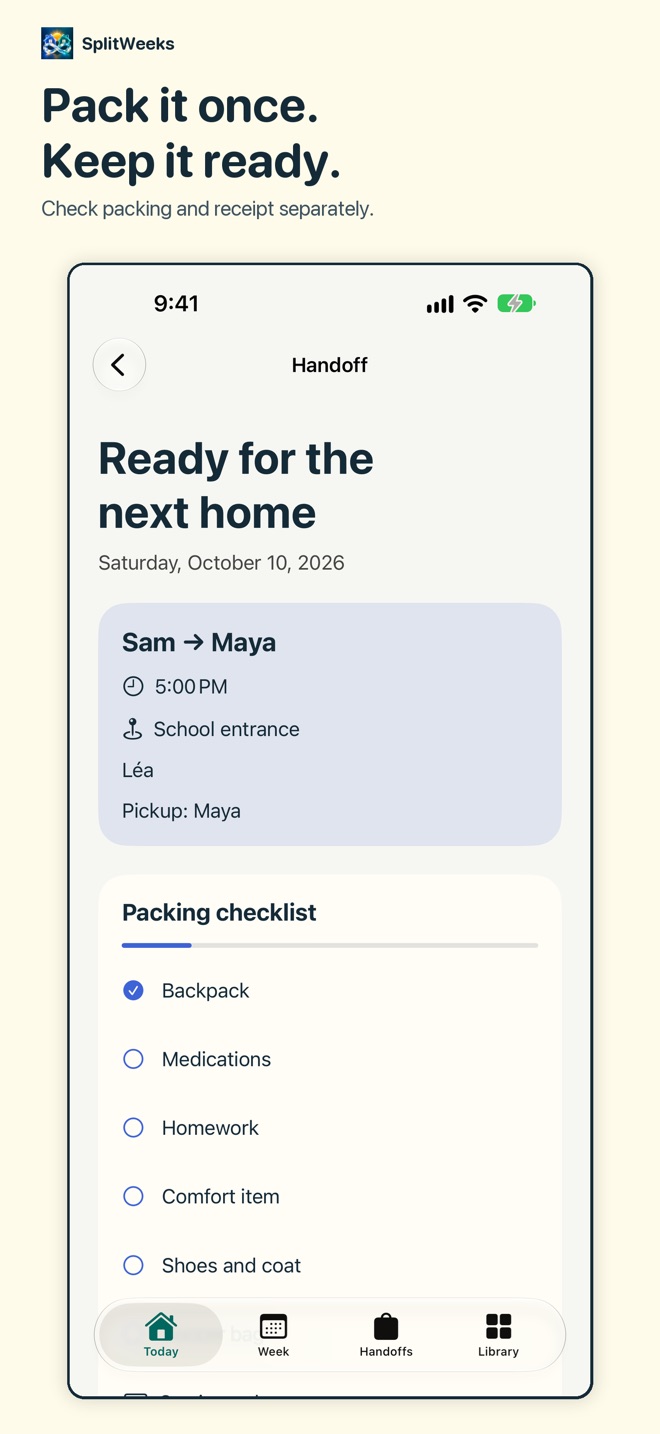
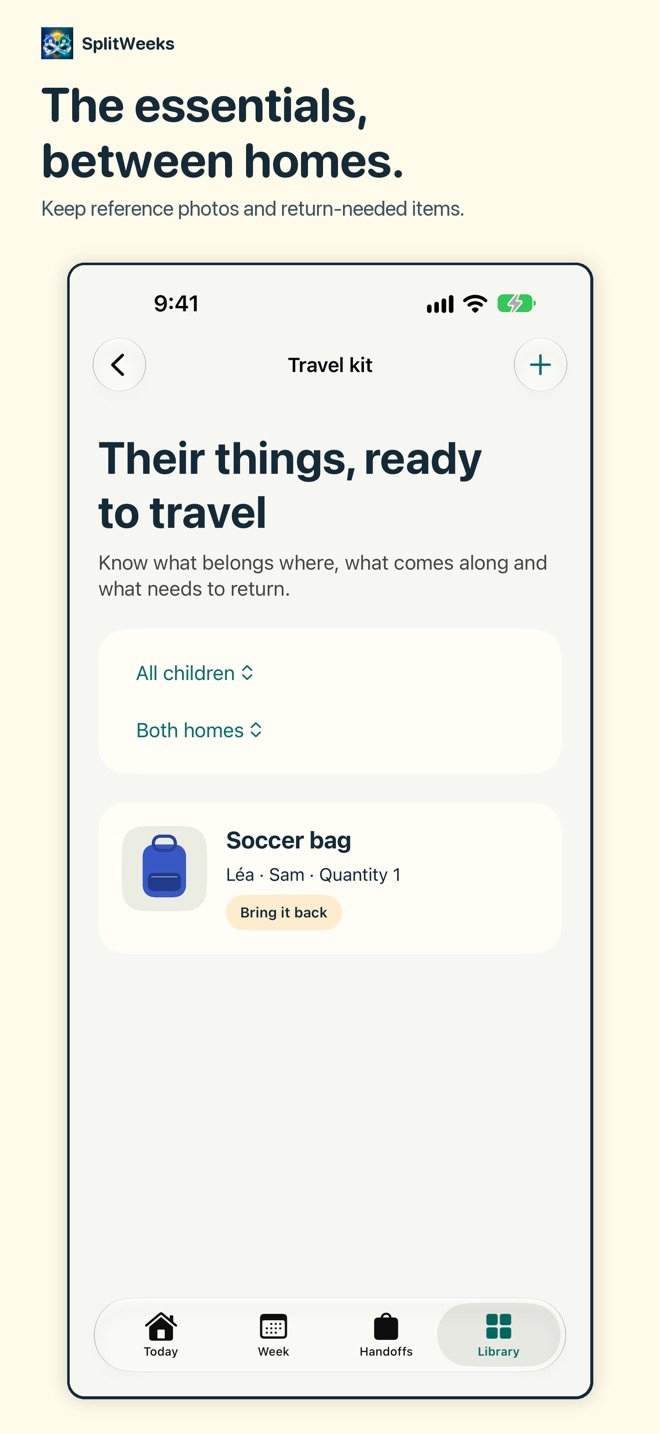
Save the time, meeting place and selected children. Reuse a travel kit with individual reference photos and care notes. Track packing separately from receipt, keep preparation history and use standard or custom checklists.
REVIEW A CHANGE
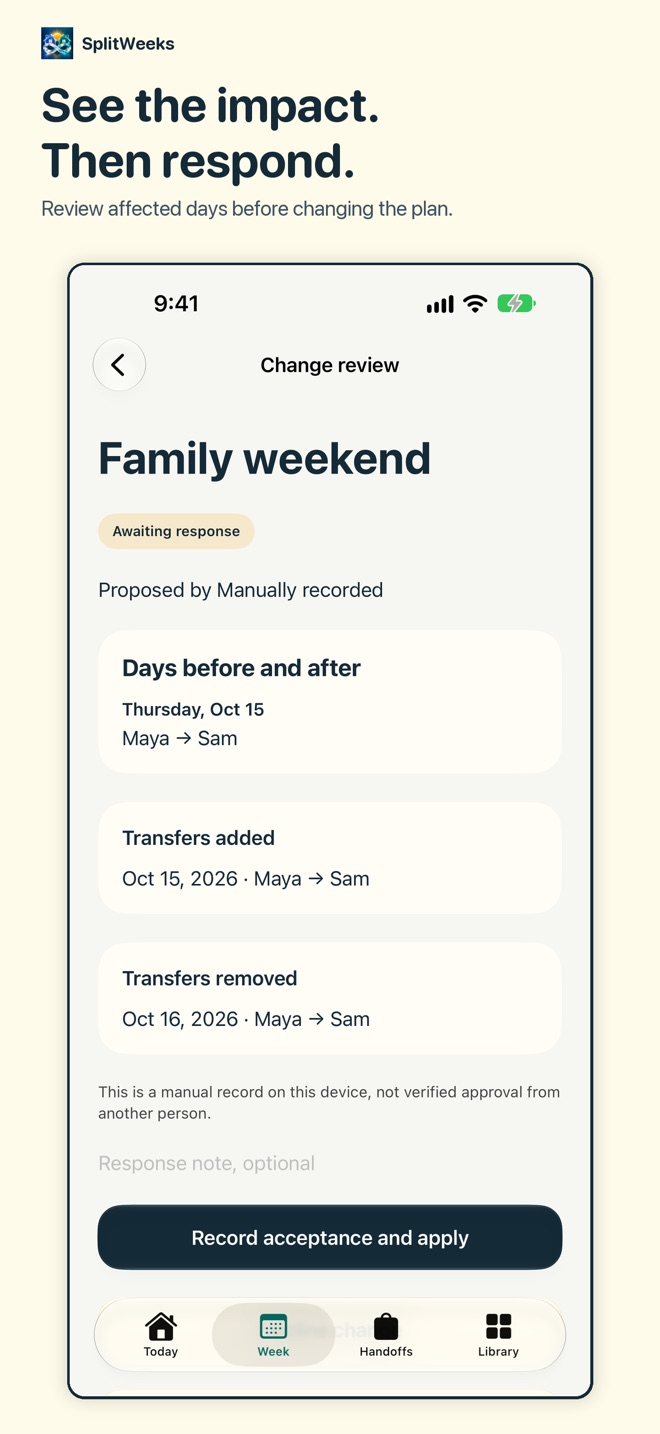
Propose a schedule change, compare affected days and transfers, and review activity warnings before recording a response. A pending proposal does not silently change the plan. Manually recorded responses are clearly labeled.
KEEP A REVIEWED COPY
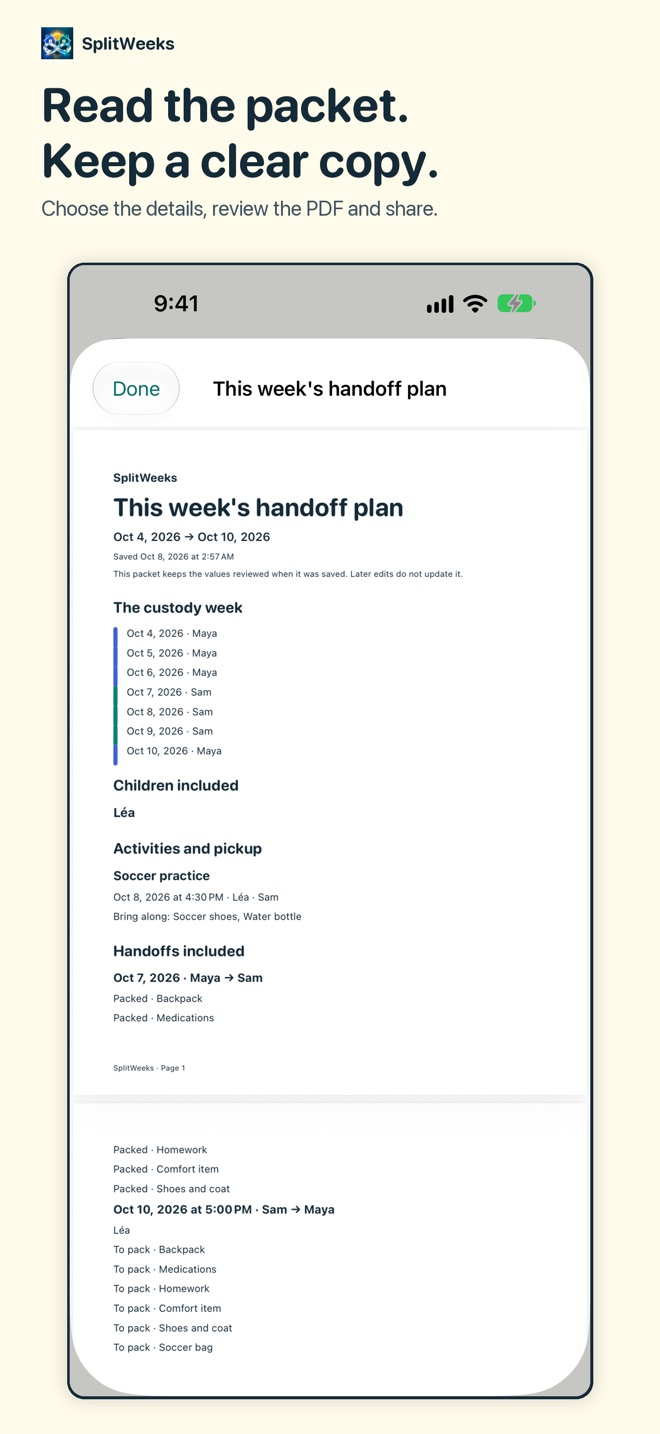
Choose the fields for a week packet, read the complete PDF and save a snapshot that keeps its original values when the live plan changes. Private notes stay out unless selected. Medical fields can be selected only for private packets; iCloud workspaces exclude them. Share the PDF through your chosen destination. Keep expense CSVs, calendar exports, monthly reports and your own backup file.
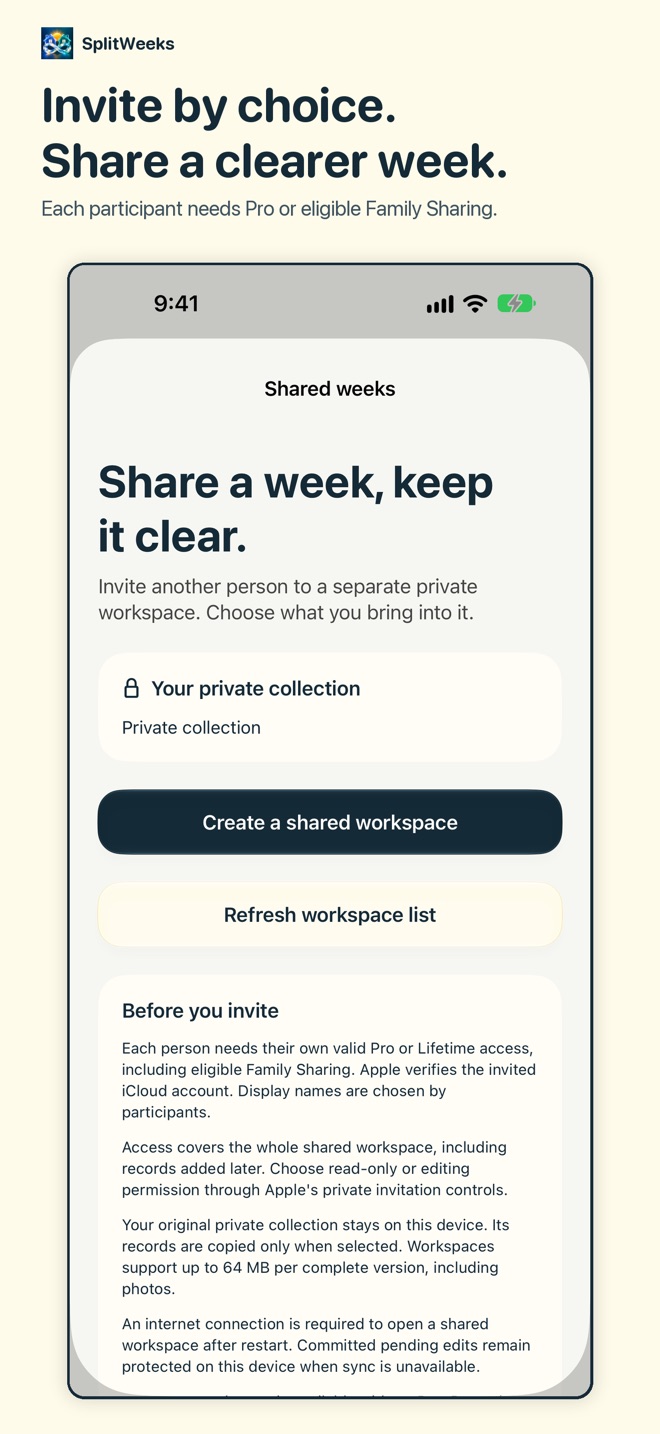
INVITE BY CHOICE
Copy selected records into a separate private iCloud workspace. Invite another parent or trusted person with read-only or editing access. Each participant needs their own Pro purchase or eligible Apple Family Sharing access; eligible family members do not need another purchase. Family Sharing does not automatically share records. An iCloud account and internet connection are required. Membership and privacy controls remain available without Pro. Removing access cannot recall downloaded or exported copies.
THE USEFUL DETAILS
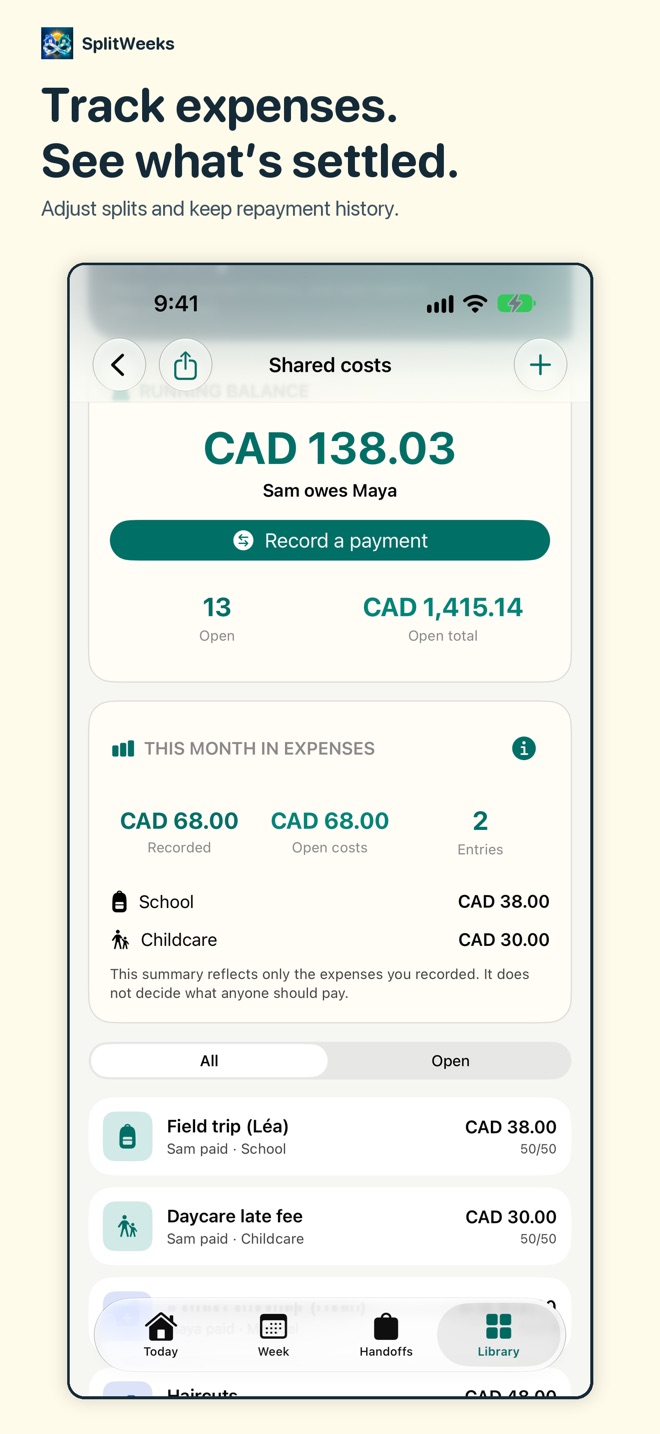
Child cards keep sizes, school and care information close. The shared-expense ledger records adjustable splits, repayments and the balance. Parenting-time summaries, handoff reminders and private widgets support the plan. Widgets show the home and next transfer without child names, notes or expense amounts.
FREE AND PRO
Free includes one custody plan, this month and its standard handoff checklists. Existing records remain available. Pro adds activities, new planning records, travel kits, saved packets, shared workspaces, additional months, custom templates, reminders, exports and insights. Monthly, Yearly and one-time Lifetime options are available. See a complete fictional PDF example on the paywall before choosing.
PRIVACY AND SUPPORT
Your private collection stays on this device unless you export it or choose records for sharing. Optional support sends the details you enter and the disclosed diagnostics. Voluntary platform feedback can be declined, and a vote can be removed without Pro. No advertising tracking.
SplitWeeks is an organization tool. It does not provide legal, medical or financial advice or create a custody agreement.
SUBSCRIPTIONS
Apple displays your localized price and billing period before purchase. Subscriptions renew automatically until cancelled in Apple Account settings. Cancellation takes effect at the end of the paid period. Eligible introductory periods return to the recurring price shown before purchase. Lifetime does not renew. Restore Purchases retrieves eligible existing access.
Privacy Policy: https://innovalabworks.com/a/splitweeks/privacy
Terms of Use: https://innovalabworks.com/a/splitweeks/terms
Apple Standard EULA: https://www.apple.com/legal/internet-services/itunes/dev/stdeula/
What’s new · 2.0.0
A new connected week for two homes. Plan child activities and pickup, prepare handoffs with photo kits, review schedule changes, save complete PDF packets and invite a trusted person to a private iCloud workspace. Existing records and legitimate purchases are preserved. Bug fixes and enhancements.
Missing a feature?
Your ideas help shape our apps. Tell us what would make your app more useful.
We review requests to understand what would help. Timing depends on scope, priorities and App Store review.
More in this category

Aisley: Wedding PlannerChecklist, budget, guestsOn the App Store

ArcanaLog: Tarot JournalDraws, spreads, patternsOn the App Store

BoardShelf: Game CollectionCollection, plays, winnersOn the App Store

BumpBook: Pregnancy JournalRemember all 40 weeksOn the App Store
Common questions
Where can I download SplitWeeks: Custody Calendar?
Use the App Store link above to see availability, supported devices and current purchase options in your region.
What is the current App Store version?
2.0.0
Where can I find the privacy details?
Read this app’s privacy policy using the link below. Storage, sync and optional online features are specific to each app.