
CoParentLedger: Kid Costs
Every shared cost for the children, each parent's share under your agreed split, and one running balance. No more arguing from memory about who paid for the boots.
iPhone and iPadAvailable worldwideVersion 1.2.0
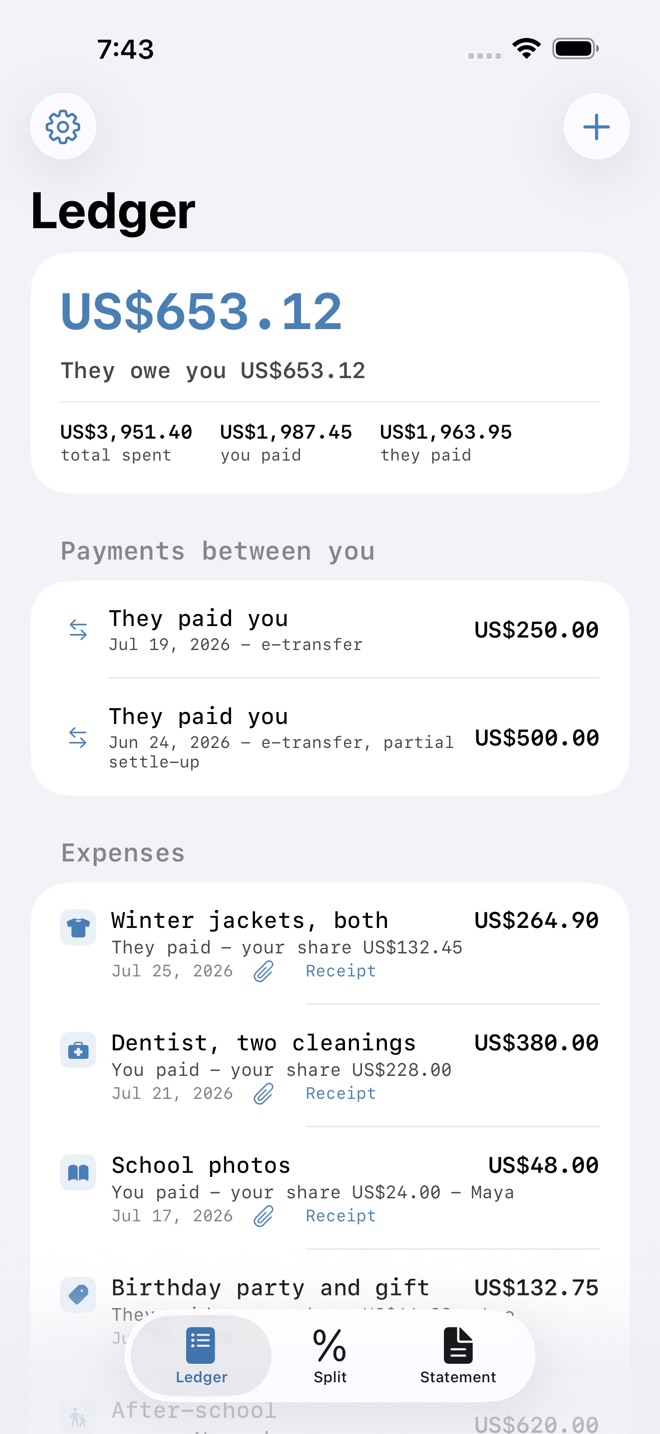
Separated parents do not usually disagree about the children. They disagree about who paid for the boots in November, and neither of them can prove it.
CoParentLedger keeps every shared cost in one place, applies the split you actually agreed to, and produces a statement you can hand to the other parent, a mediator or a lawyer without editing it first.
WHAT YOU RECORD
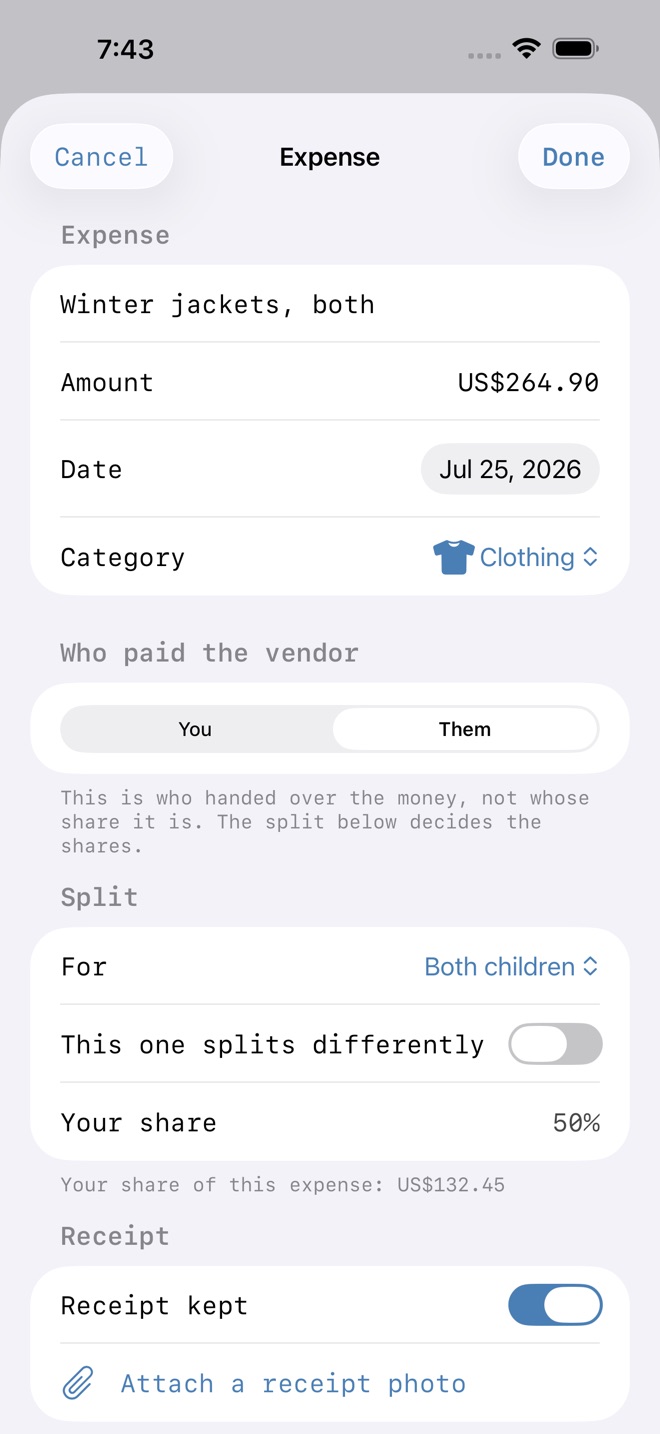
Each expense with what it was for, the amount, the date, the category, which child it was for, and crucially who actually paid the shop. Attach a photo of the receipt while you still have it.
Payments between the two of you are recorded separately from money spent on the children, because they are different things: one settles up, the other adds to the total. Mixing them is the single most common reason a homemade spreadsheet stops adding up.
THE SPLIT YOU AGREED TO
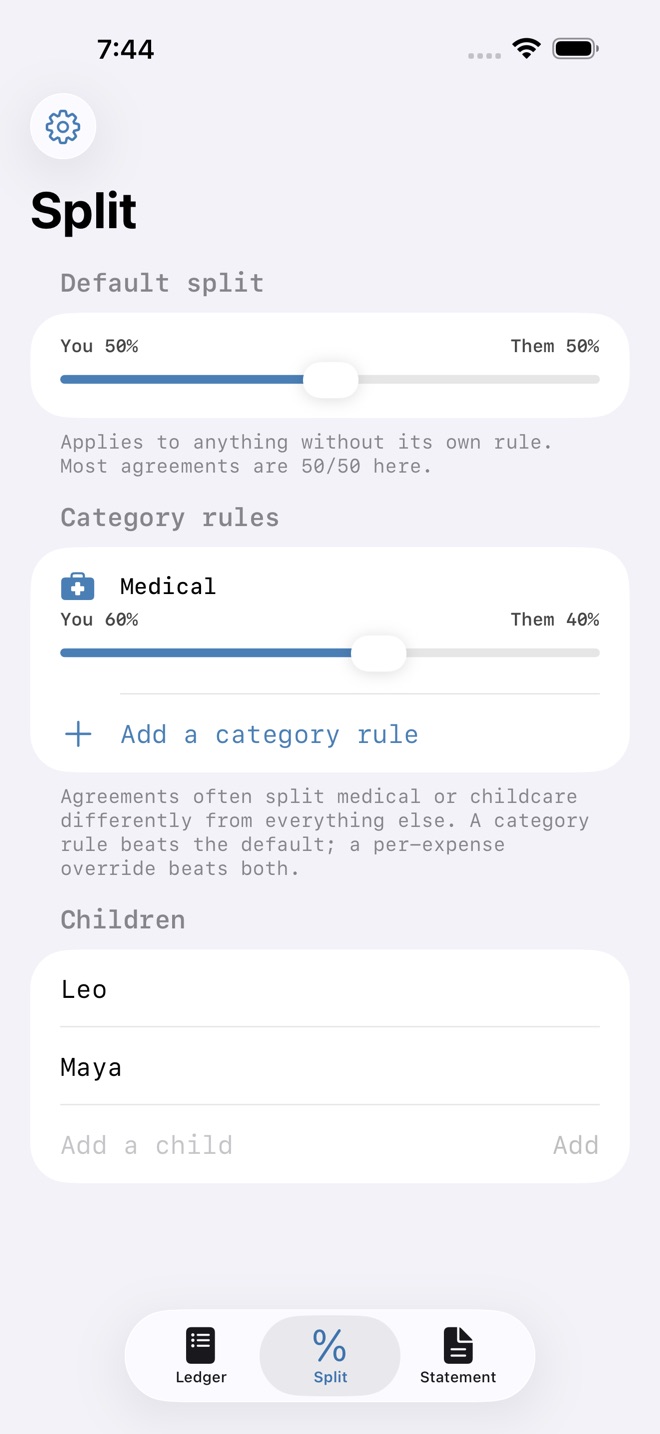
Set a default, usually 50/50. Then add category rules where your agreement differs, because many do: medical at 60/40, childcare at 70/30. Any single expense can override both when something is genuinely one parent's.
THE RUNNING BALANCE
One number at the top, in plain words: they owe you, you owe them, or settled up. It moves the moment you add anything, and every figure behind it is visible.
THE STATEMENT
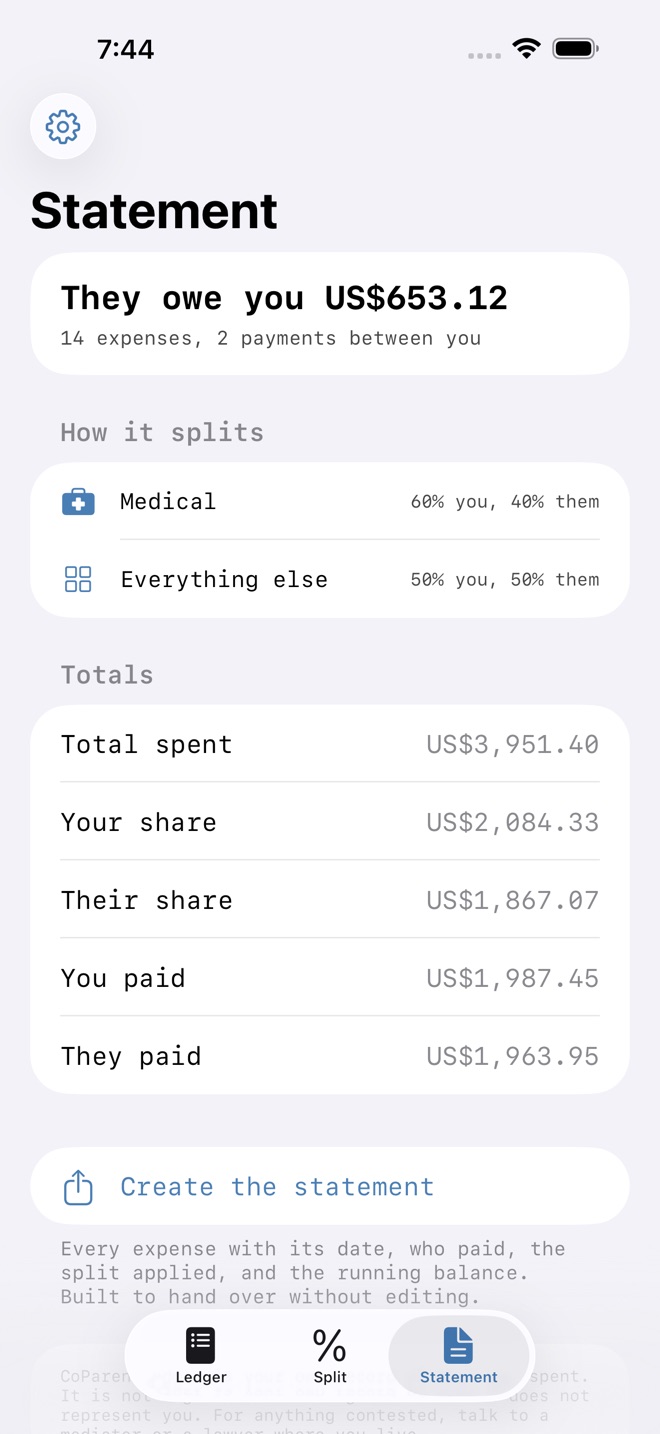
A printable PDF with the summary, the split applied, every expense with its date and who paid and each share, and every payment between you. Built to be handed over without editing, because a statement you had to tidy up first is a statement someone can question.
WHY IT HOLDS UP
The balance is arithmetic, not an opinion. Anyone can follow it line by line and reach the same number, which is exactly what you need when the conversation gets difficult or a third party gets involved.
PRIVATE BY CONSTRUCTION
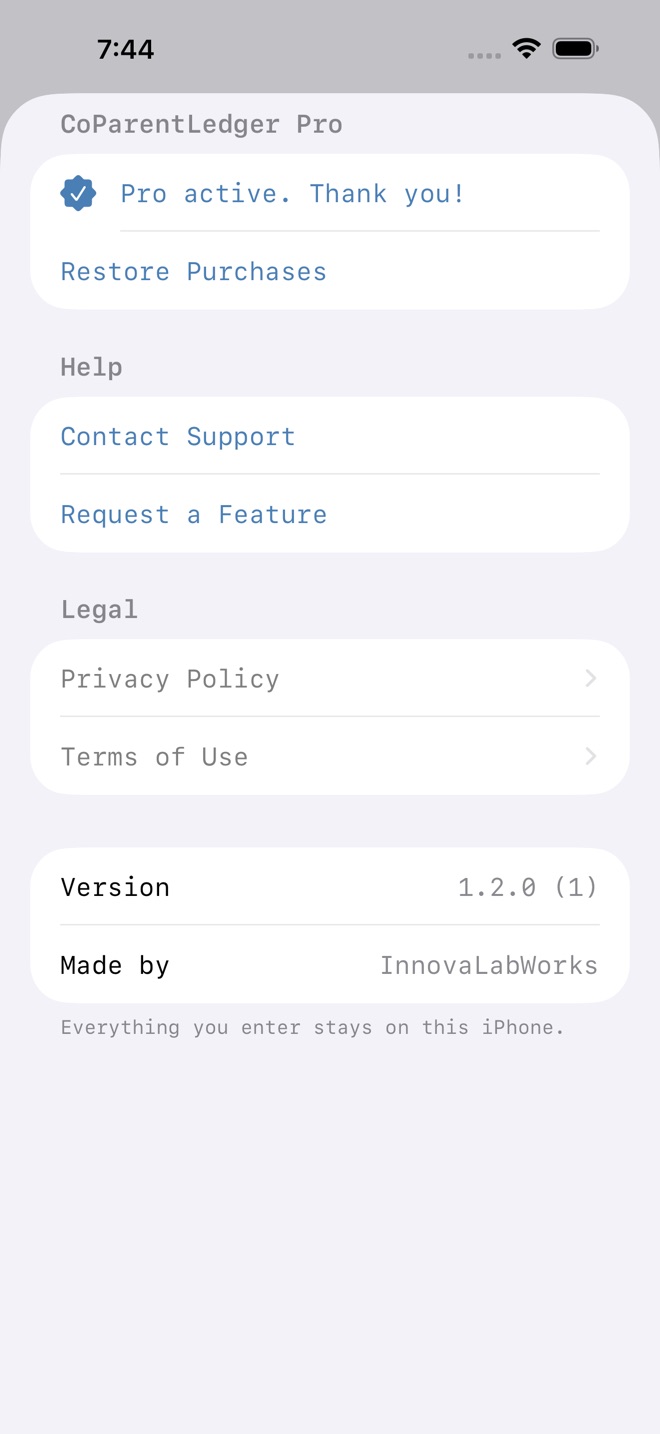
Everything stays on your device. No account, no server, no sync, and the other parent has no access to your records unless you send them the statement yourself.
WHAT THIS IS NOT
CoParentLedger is your own record of what was spent. It is not legal or accounting advice and it does not represent you. For anything contested, talk to a mediator or a lawyer where you live.
FREE AND UNLOCKED
Twenty entries free, with every feature working. The one-time unlock removes the limit and adds the printable statement. One payment, no subscription.
Missing a feature?
Your ideas help shape our apps. Tell us what would make your app more useful.
We review requests to understand what would help. Timing depends on scope, priorities and App Store review.
More in this category

AfterClaim: Life BenefitsConnect benefit sources, document requirements, carrier follow ups, beneficiary…On the App Store

BillOrbit: Bill CalendarPut every bill on one calendar, get nudged 3 days, 1 day, and the day it is…On the App Store

CycleFund: Fertility CostsPlan treatment costs clearlyOn the App Store

GigLedger: Side HustleSee what your side hustle really earns. Log income and costs per gig, see real…On the App Store
Common questions
Where can I download CoParentLedger: Kid Costs?
Use the App Store link above to see availability, supported devices and current purchase options in your region.
What is the current App Store version?
1.2.0
Where can I find the privacy details?
Read this app’s privacy policy using the link below. Storage, sync and optional online features are specific to each app.