
MoveBox: Moving Checklist
Find your first-night essentials, check the exact boxes on each trip and keep a dated PDF handoff. Plan, pack and reconcile the move on iPhone and iPad.
iPhone and iPadAvailable worldwideVersion 2.0.0
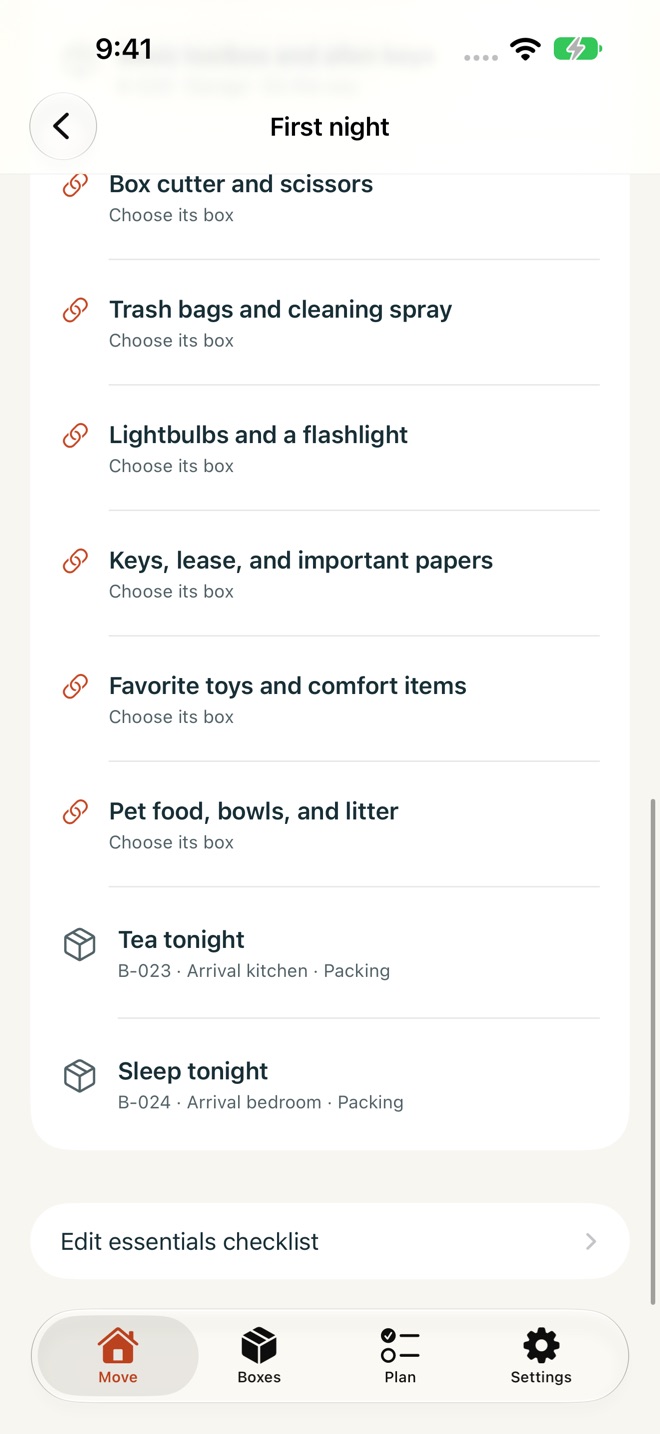
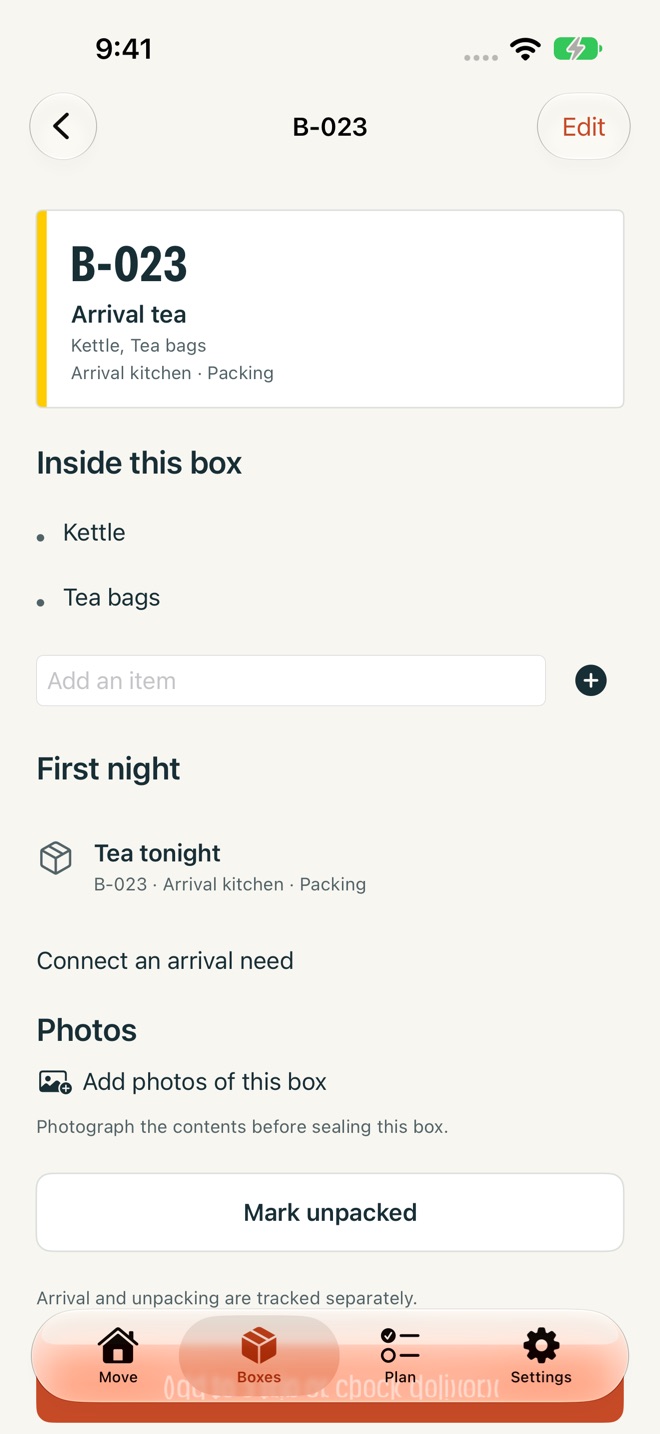
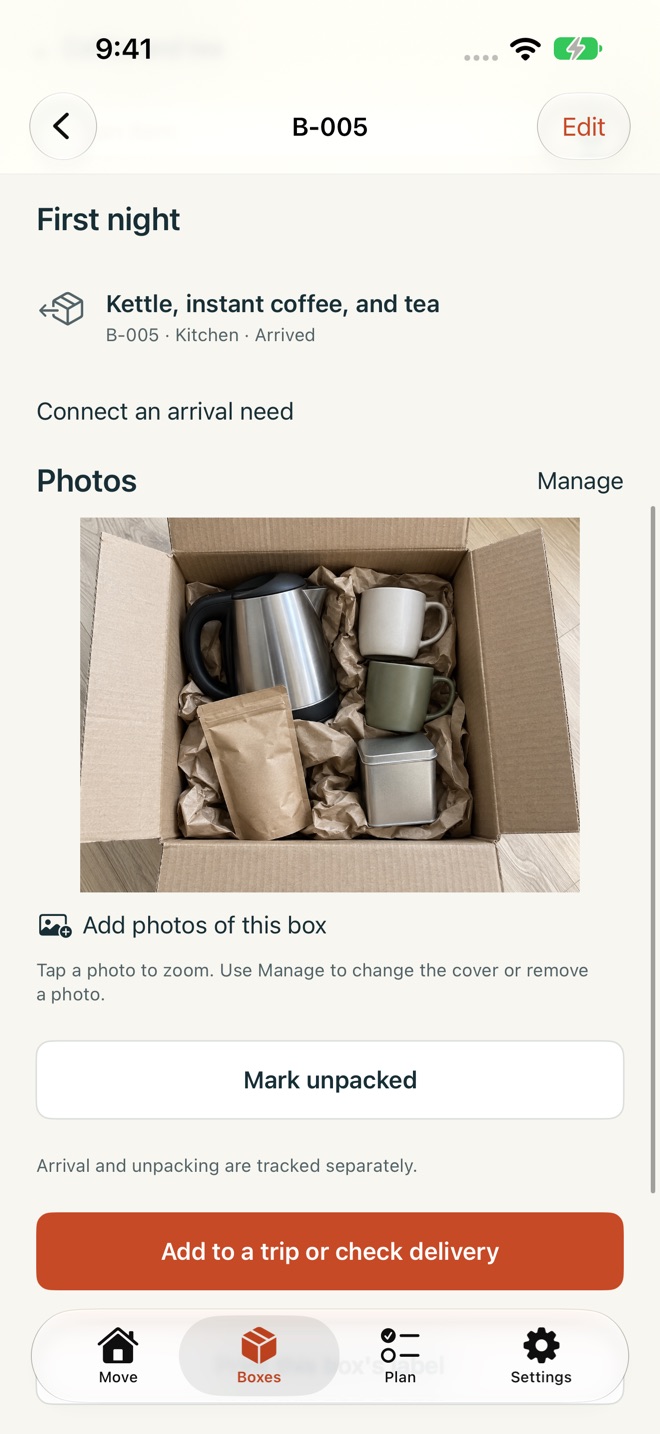
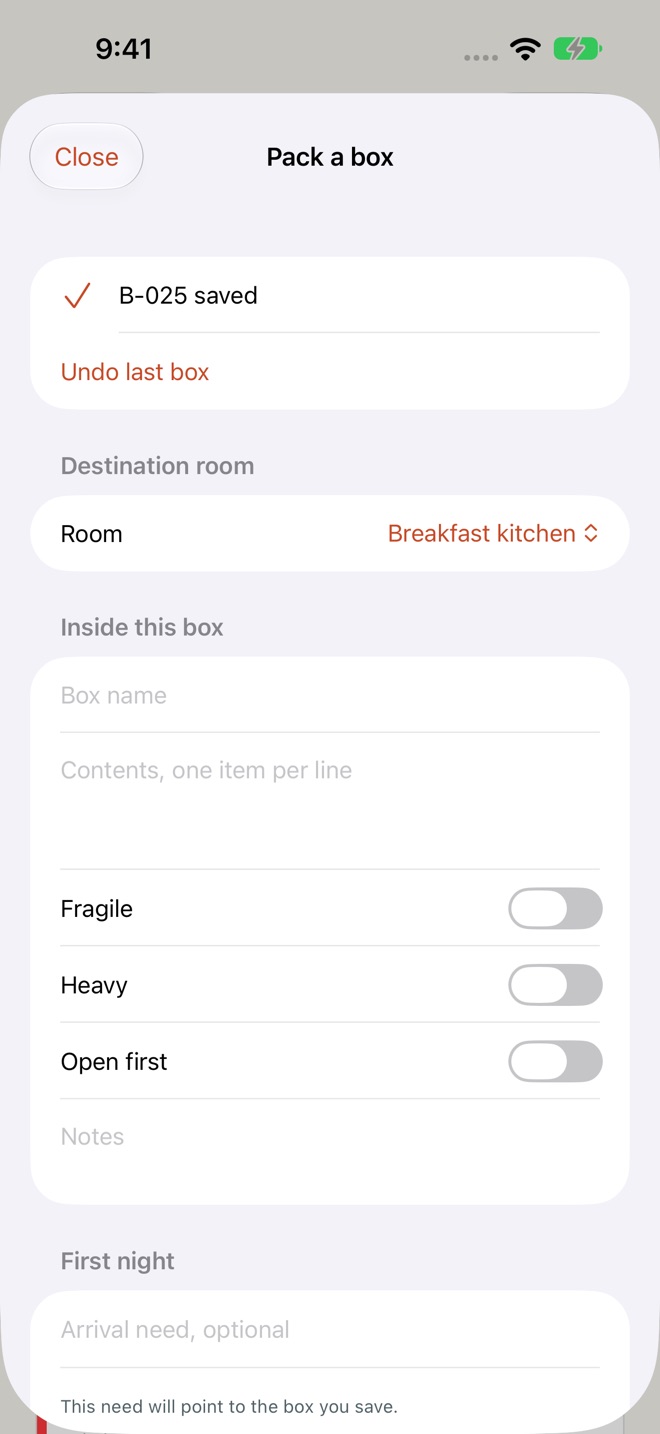
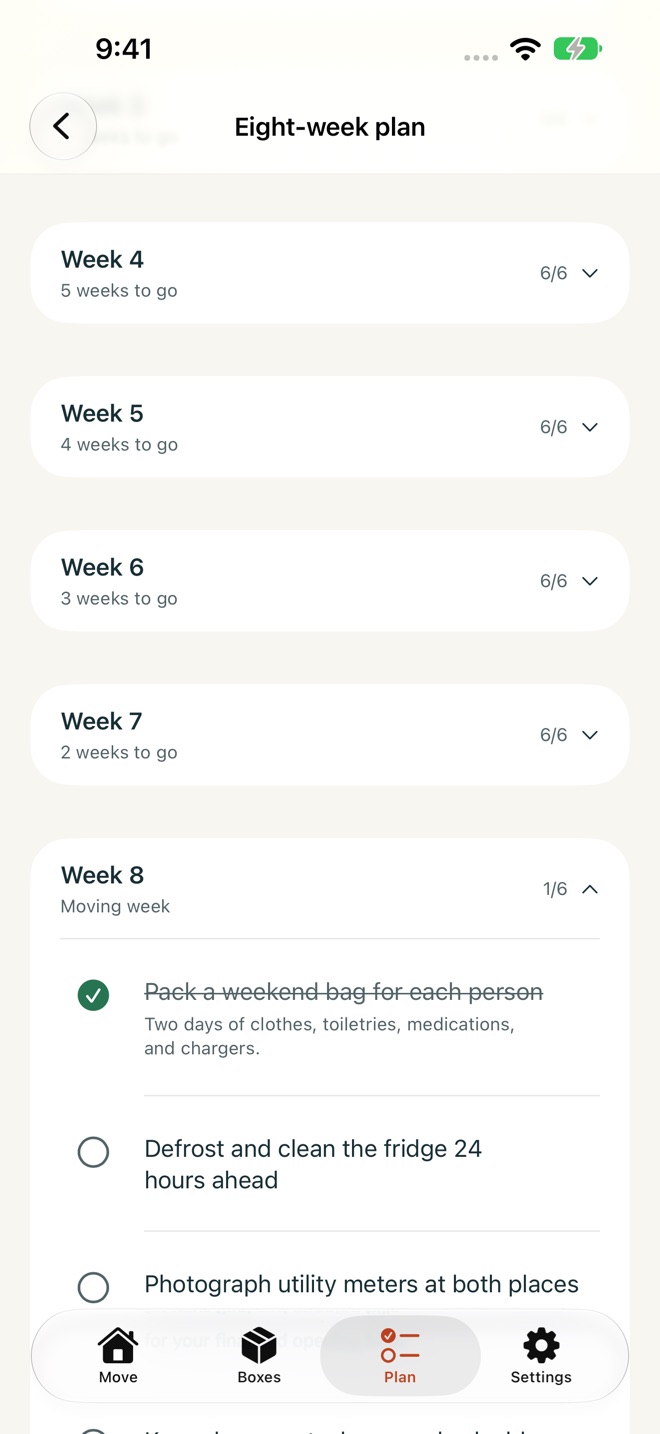
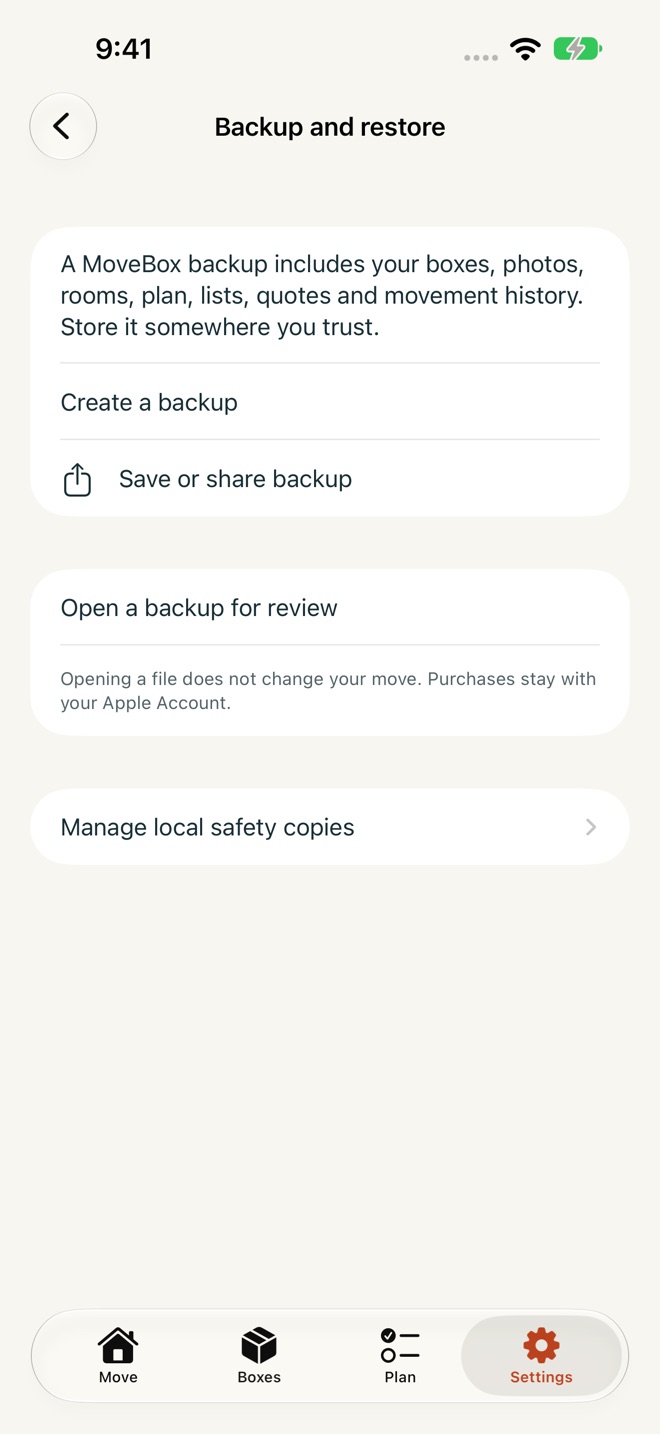
Find what you need tonight, then check which boxes actually arrived. MoveBox connects your moving plan, numbered boxes, selected trips and first-night essentials on iPhone and iPad.
PACK AND FIND THE RIGHT BOX
Give each box a permanent physical number, a destination room, contents and a photo. Search labels, contents and rooms; filter fragile, heavy and open-first boxes. Eight room colors also appear on printable labels and the manifest. Duplicate similar boxes, mark them unpacked and see packing and unpacking progress. Pro rapid packing keeps the room and handling choices ready for the next box. Pro galleries hold up to 12 ordered photos per box, with a chosen cover and full-size zoom.
CONNECT YOUR FIRST NIGHT
Start with 18 editable essentials, add your own and link each need to its actual box. The locator shows where it is and whether that box is packed, loaded or confirmed at the destination. An unchecked delivery stays outstanding.
CHECK EACH SELECTED TRIP
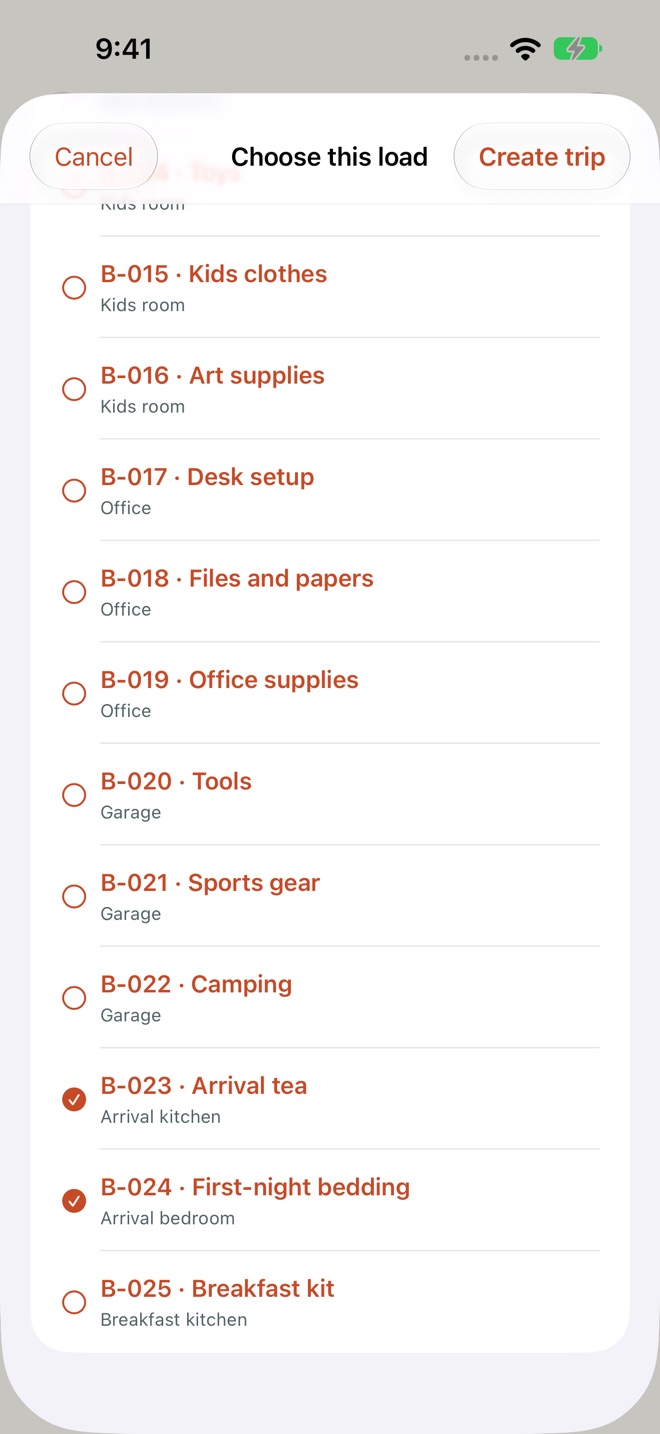
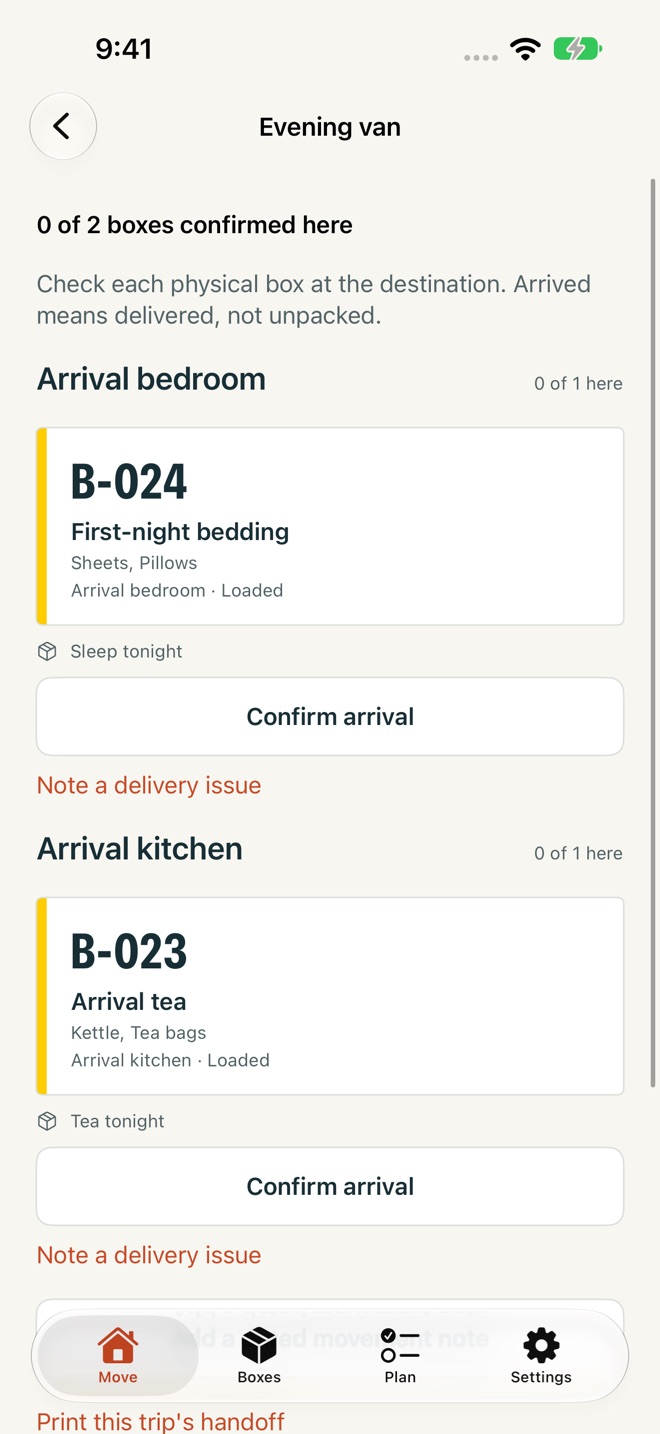
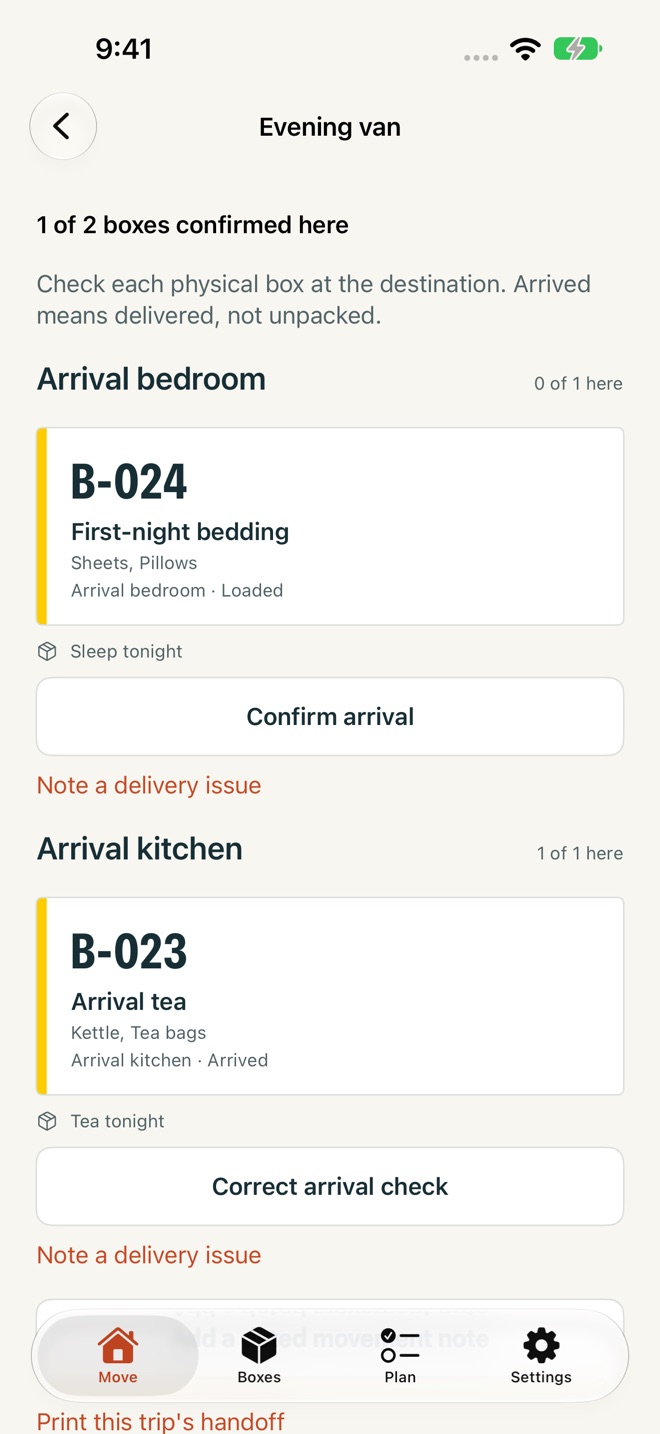
Choose the exact boxes leaving together, check loading and record departure. Reconcile arrivals by room, correct a mistaken check, record delivery issues and resolve them. Dated movement notes keep the event time separate from the time you recorded it. These are your manual checks, not live vehicle tracking.
KEEP A DATED HANDOFF
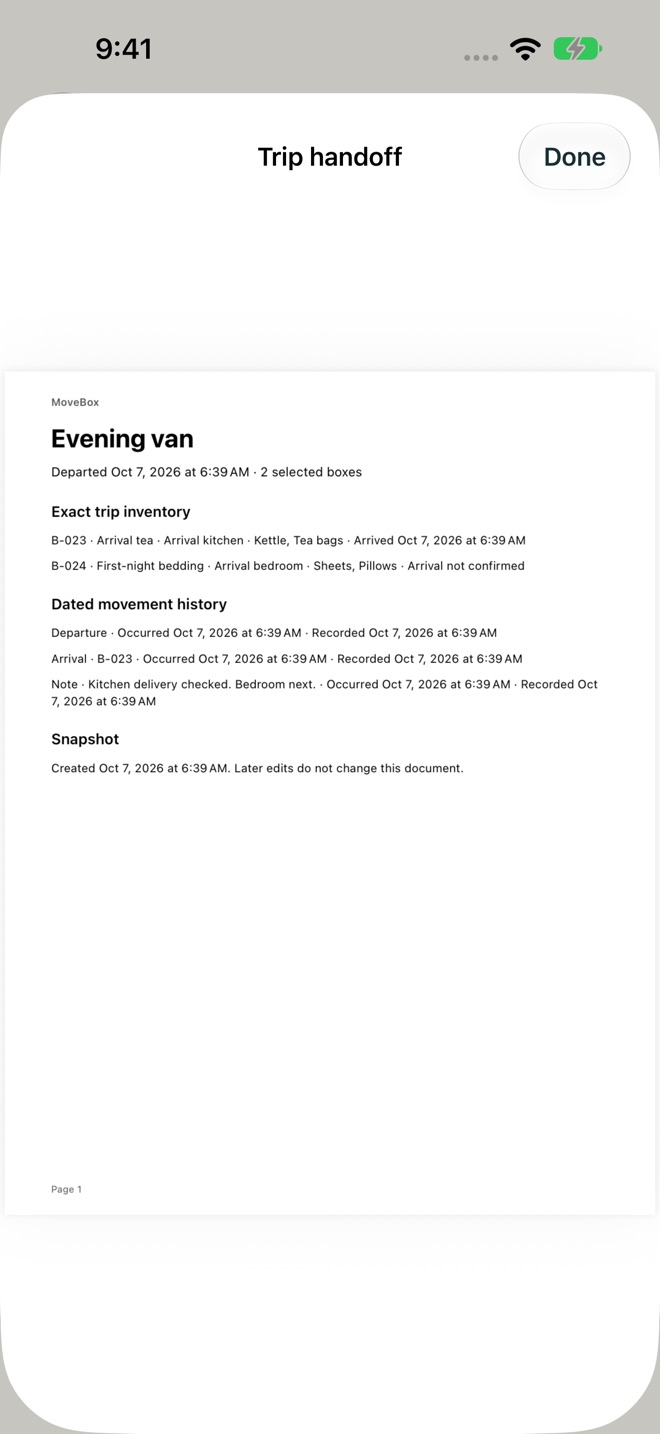
Pro saves a frozen trip handoff PDF with the selected inventory, departure and recorded checks. Later box edits or arrival checks do not rewrite that saved document. Open the complete native PDF, then save, share or print it.
PLAN BEFORE MOVING DAY
Set your moving date and work through an editable eight-week plan with 48 tasks, practical notes and completed weeks that fold away. Keep 25 editable address-change entries, using regional government and postal-service examples for a new move. Compare mover quotes with contacts, notes and historical Canadian-dollar amounts; mark your choice booked.
PRINT AND TAKE YOUR RECORDS
Pro includes numbered box-label PDFs, a room-grouped inventory manifest PDF, a moving-day checklist PDF and inventory CSV for spreadsheets. Preview the actual documents before saving, sharing or printing. Complete JSON backups include boxes, photos, rooms, plan, lists, quotes, trip history and saved handoffs. Review an incoming backup before replacing the current move; MoveBox first verifies a separate local safety copy. Backup and recovery remain available without Pro.
FREE AND PRO
A new installation can save one useful box with one photo, try one single-box trip and use the first two weeks of the plan, essentials, address list and quotes. Existing installations retain their prior ten-box allowance. Saved records remain accessible and editable when Pro is inactive. Pro adds unlimited boxes, multiple selected trips, room arrival reconciliation, rapid packing, ordered photo galleries, frozen handoffs, all eight weeks and PDF/CSV exports.
Choose Monthly, Yearly or a one-time Lifetime unlock. Subscriptions renew automatically until cancelled in Apple Account settings. Eligible introductory offers disclose the first month and regular renewal price before purchase. Restore existing purchases with the same Apple Account; Lifetime has no renewal.
No MoveBox account is required. Moving records stay on your device unless you choose to export or share them. Contact Support sends the message and diagnostics you review.
Privacy: https://innovalabworks.com/a/movebox/privacy
Terms: https://www.apple.com/legal/internet-services/itunes/dev/stdeula/
What’s new · 2.0.0
MoveBox 2.0 connects packing to arrival:
• Link first-night essentials to their numbered boxes and see what is still outstanding.
• Select the exact boxes for each trip, check loading, record departure and reconcile arrivals by room.
• Correct delivery checks, save dated movement notes and track resolved issues.
• Keep a frozen trip handoff PDF that later edits cannot rewrite.
• Pack repeated boxes with retained room choices, stable physical numbers and ordered galleries of up to 12 photos.
• Create complete JSON backups, review incoming records and restore with a verified safety copy.
• Use a redesigned native iPhone and iPad interface with English and French, large-text layouts and real PDF previews.
Your existing records, earlier free allowance and Lifetime purchase rights are preserved. Monthly, Yearly and Lifetime choices show Apple's localized terms before purchase.
Missing a feature?
Your ideas help shape our apps. Tell us what would make your app more useful.
We review requests to understand what would help. Timing depends on scope, priorities and App Store review.
More from InnovaLabWorksRenewReady: License & CEUBlockDay: Time BlockingAI Resume Builder & CV: Curriq
ProductivityMore in this category

AI Resume Builder & CV: CurriqFree Resume Templates + ATSOn the App Store

BlockDay: Time BlockingPlan tomorrow tonight in time blocks, then live it with a focus timer. See…On the App Store

DayReserve: Energy PlanPlan your day around the energy you actually have. Four batteries, live drain…On the App Store

ExecutorKit: Probate OrganizerTrack executor time for reimbursement, keep more than one estate file, and keep…On the App Store
Common questions
Where can I download MoveBox: Moving Checklist?
Use the App Store link above to see availability, supported devices and current purchase options in your region.
What is the current App Store version?
2.0.0
Where can I find the privacy details?
Read this app’s privacy policy using the link below. Storage, sync and optional online features are specific to each app.