
iPhone and iPadAvailable worldwideVersion 1.2.6
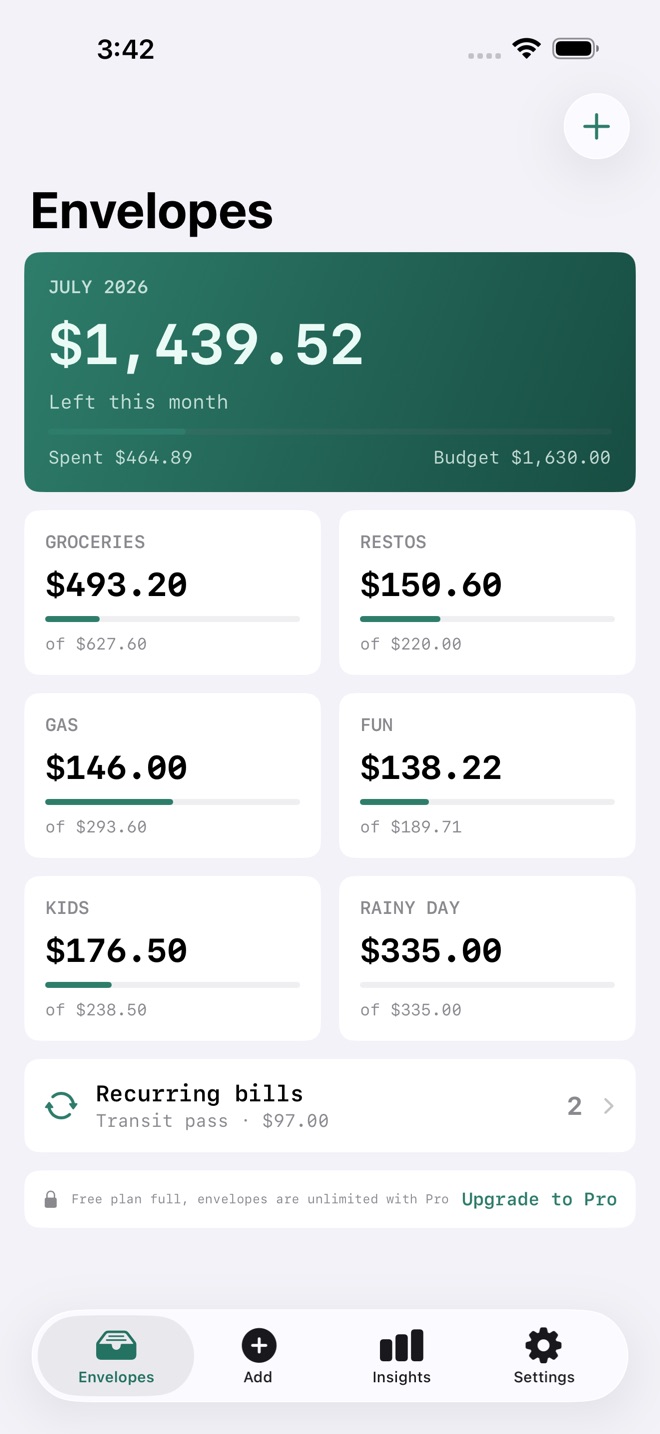
SpendLens is old-school envelope budgeting on your iPhone and iPad. Fully private, no bank linking, no account.
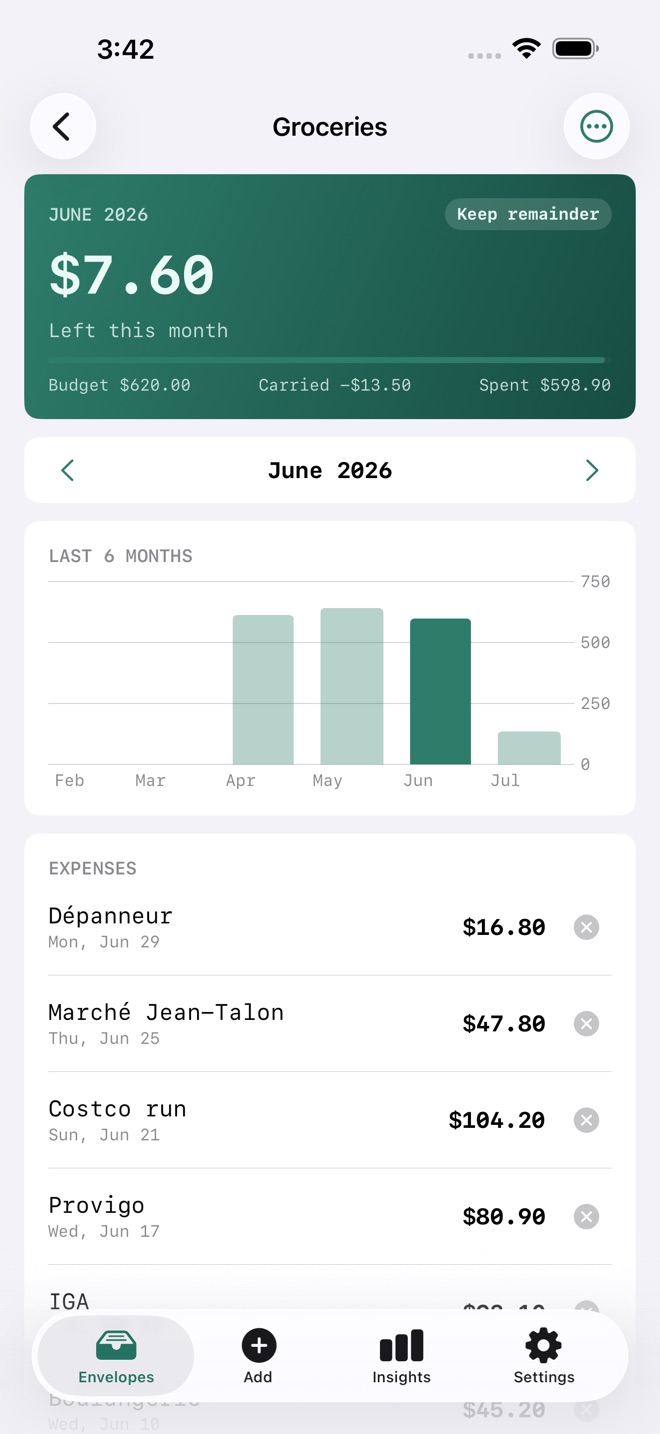
Put a monthly amount in each envelope. Spend from the right one. When an envelope runs low, that is your signal. SpendLens does the arithmetic paper envelopes never could: refills, carryover, and recurring bills, computed for you.
WHAT SHIPS IN THE BOX
- Envelopes with monthly refill: every envelope returns to its budget on the 1st
- Carryover rules per envelope: keep the remainder, reset to budget, or cap what carries over (overspend carries too, so the math stays honest)
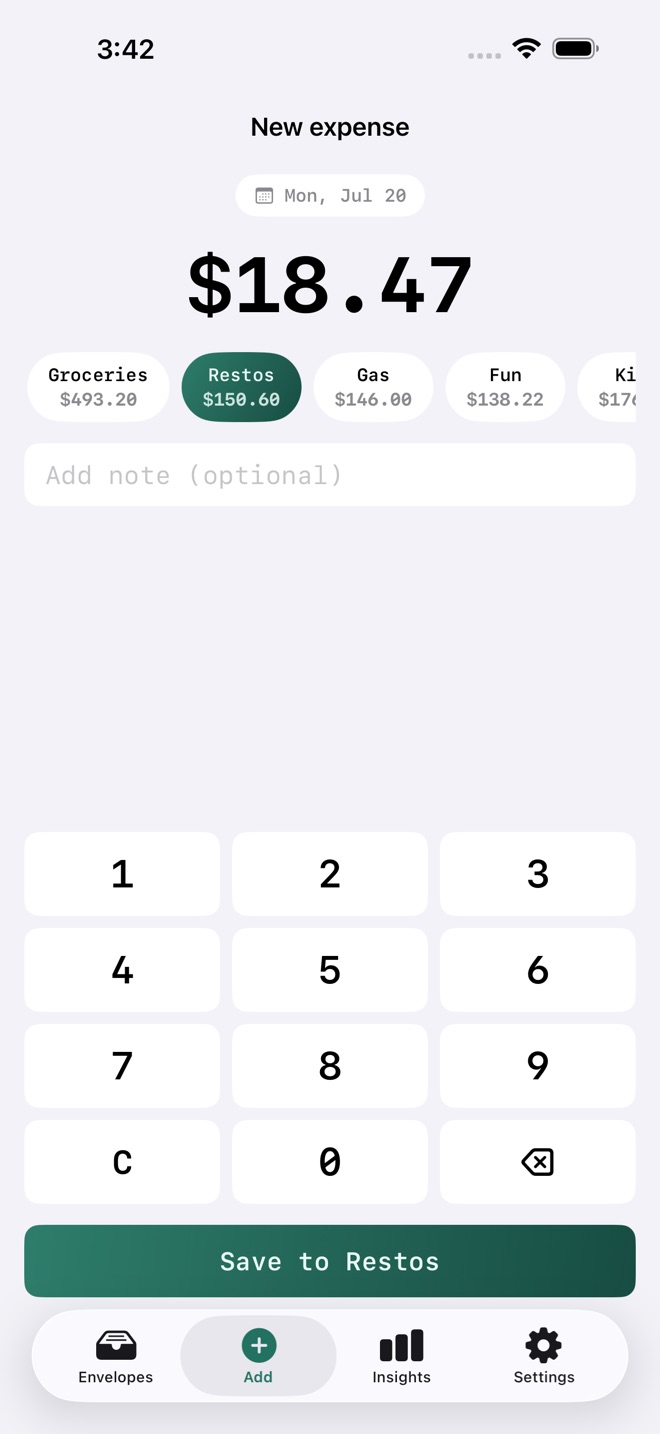
- 3-second expense entry: cash-register keypad, envelope chips, save
- Recurring bills: rent, transit pass, subscriptions post themselves to the right envelope on their day, every month
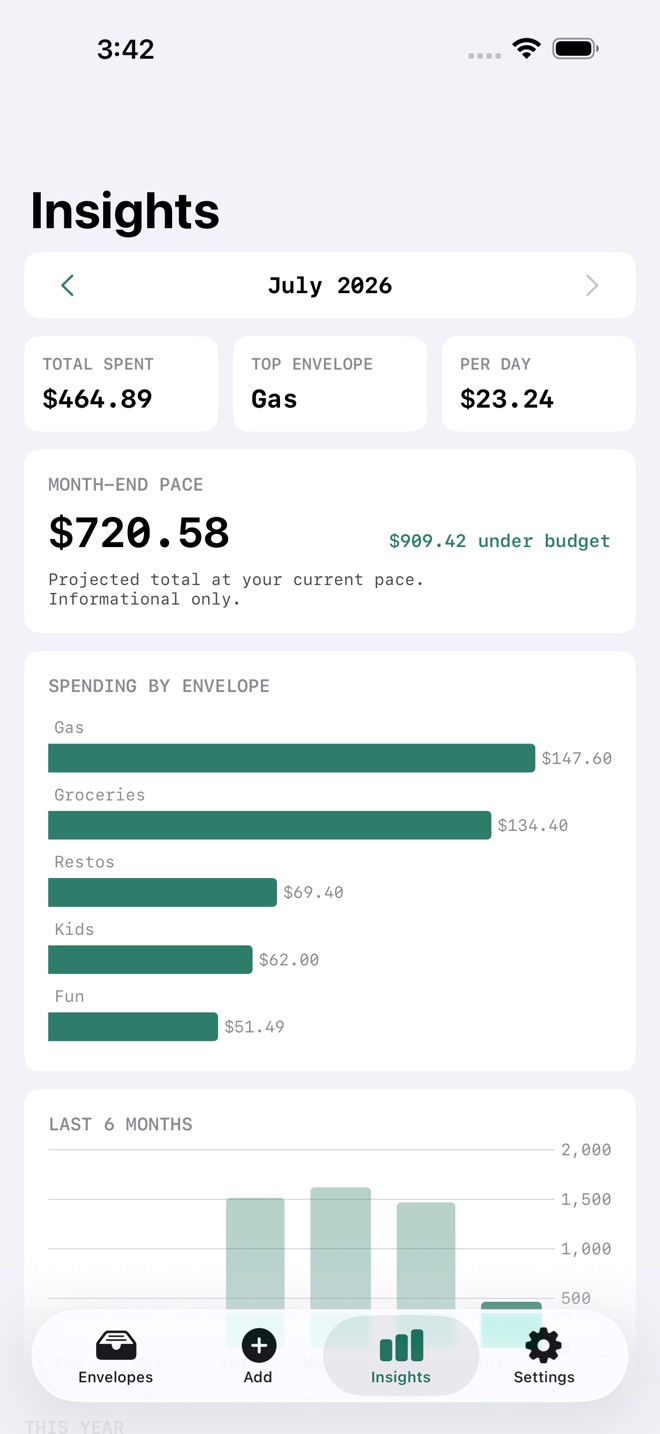
- Spending insights: by-envelope charts, 6-month trends, top expenses, month-end pace, and year-to-date totals
- Export: a spreadsheet-ready CSV (this month, last 3 months, or all time) and a monthly summary PDF
- Private by design: everything stays on your device. No account, no cloud, no tracking, and the privacy label is "Data Not Collected"
FREE VS PRO
Free: 5 envelopes, 2 recurring bills, unlimited expense entry, monthly refill and carryover included.
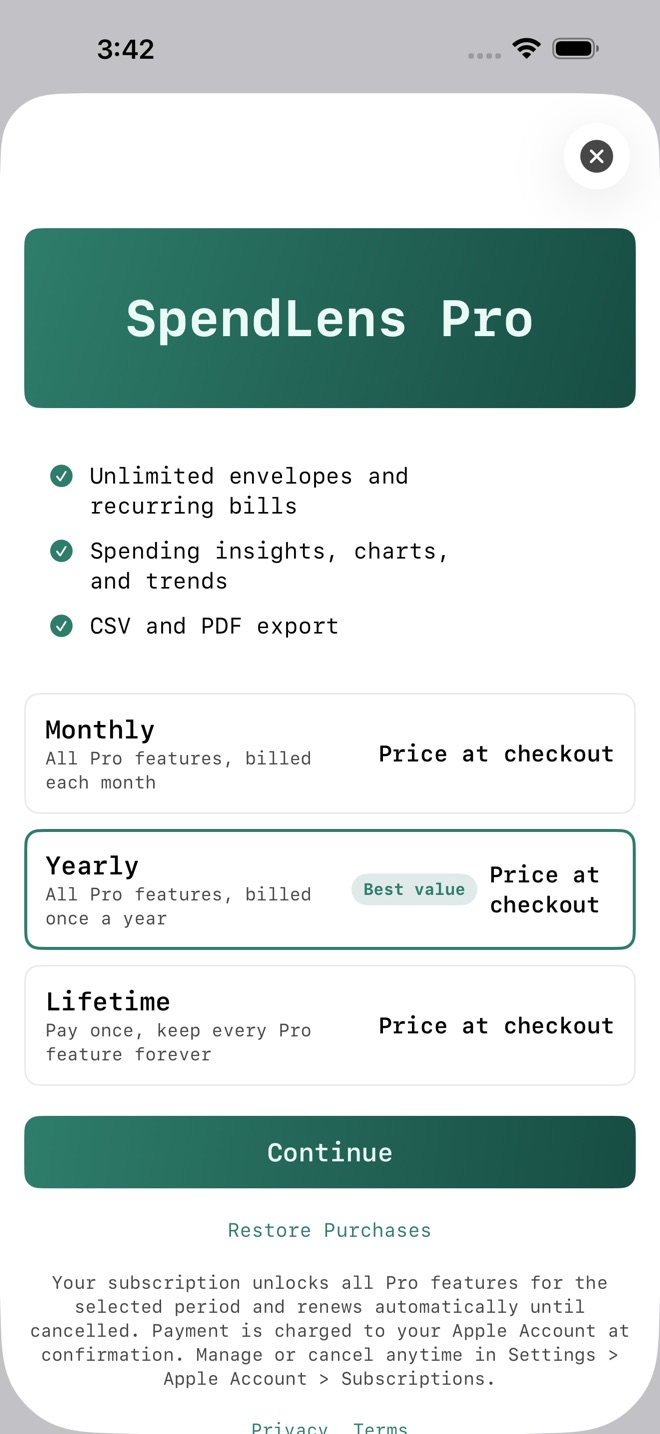
Pro: unlimited envelopes and recurring bills, carryover rule changes (keep, reset, cap), spending insights and charts, CSV and PDF export.
SPENDLENS PRO
Pro is available as an auto-renewing monthly or yearly subscription, or as a one-time lifetime purchase. The current price is always shown in the app before you buy.
Pro subscriptions renew automatically until cancelled. Payment is charged to your Apple Account at confirmation of purchase. Cancel anytime in Settings > Apple Account > Subscriptions; cancellation applies at the end of the current period. Terms of Use (EULA): https://www.apple.com/legal/internet-services/itunes/dev/stdeula/ Privacy Policy: https://ino50-forms.admin-cloudflare-fa0.workers.dev/a/spendlens/privacy
What’s new · 1.2.6
A brand new app icon, and broader device support: the app now works on iOS 18 and newer.
Missing a feature?
Your ideas help shape our apps. Tell us what would make your app more useful.
We review requests to understand what would help. Timing depends on scope, priorities and App Store review.
More in this category

AfterClaim: Life BenefitsConnect benefit sources, document requirements, carrier follow ups, beneficiary…On the App Store

BillOrbit: Bill CalendarPut every bill on one calendar, get nudged 3 days, 1 day, and the day it is…On the App Store

CoParentLedger: Kid CostsEvery shared cost for the children, each parent's share under your agreed…On the App Store

CycleFund: Fertility CostsPlan treatment costs clearlyOn the App Store
Common questions
Where can I download SpendLens: Budget Envelopes?
Use the App Store link above to see availability, supported devices and current purchase options in your region.
What is the current App Store version?
1.2.6
Where can I find the privacy details?
Read this app’s privacy policy using the link below. Storage, sync and optional online features are specific to each app.