
RenoLedger: Reno Budget
Know exactly where the reno money went. Budget per room, log every expense, compare contractor quotes, and see the real overrun, split from the change orders.
iPhone and iPadAvailable worldwideVersion 1.0
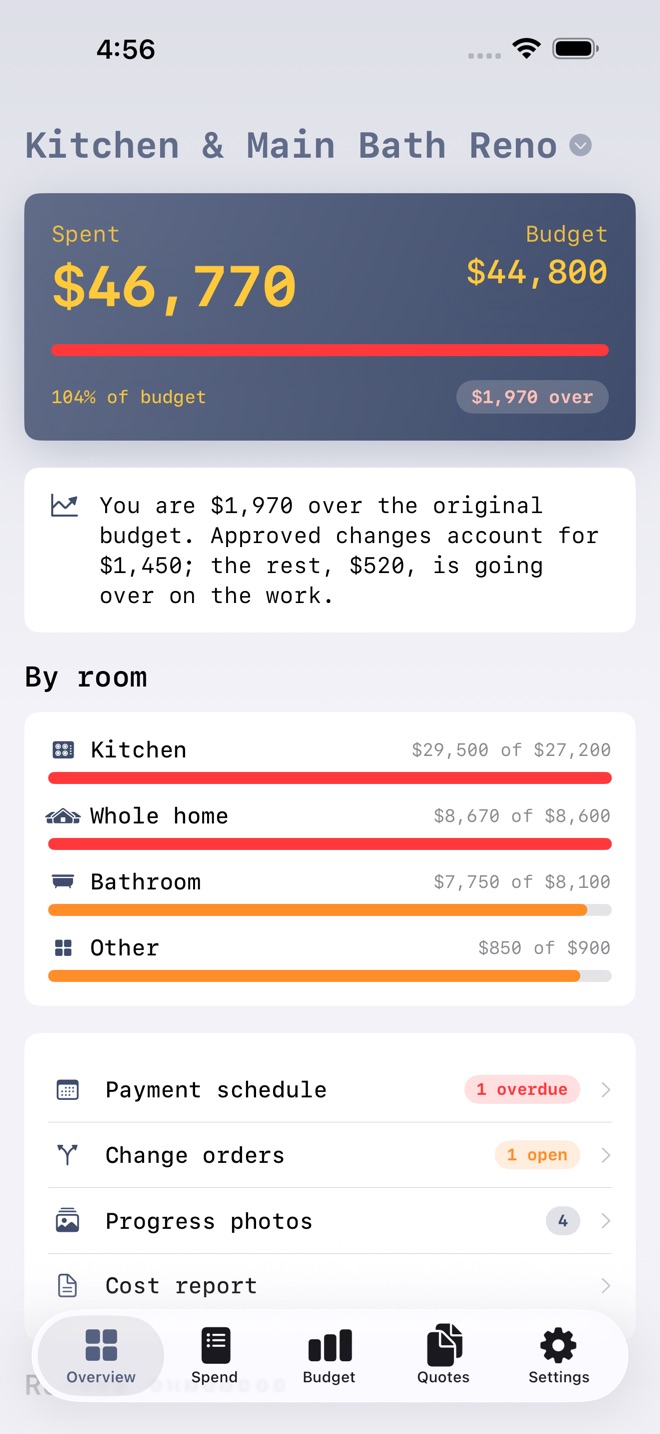
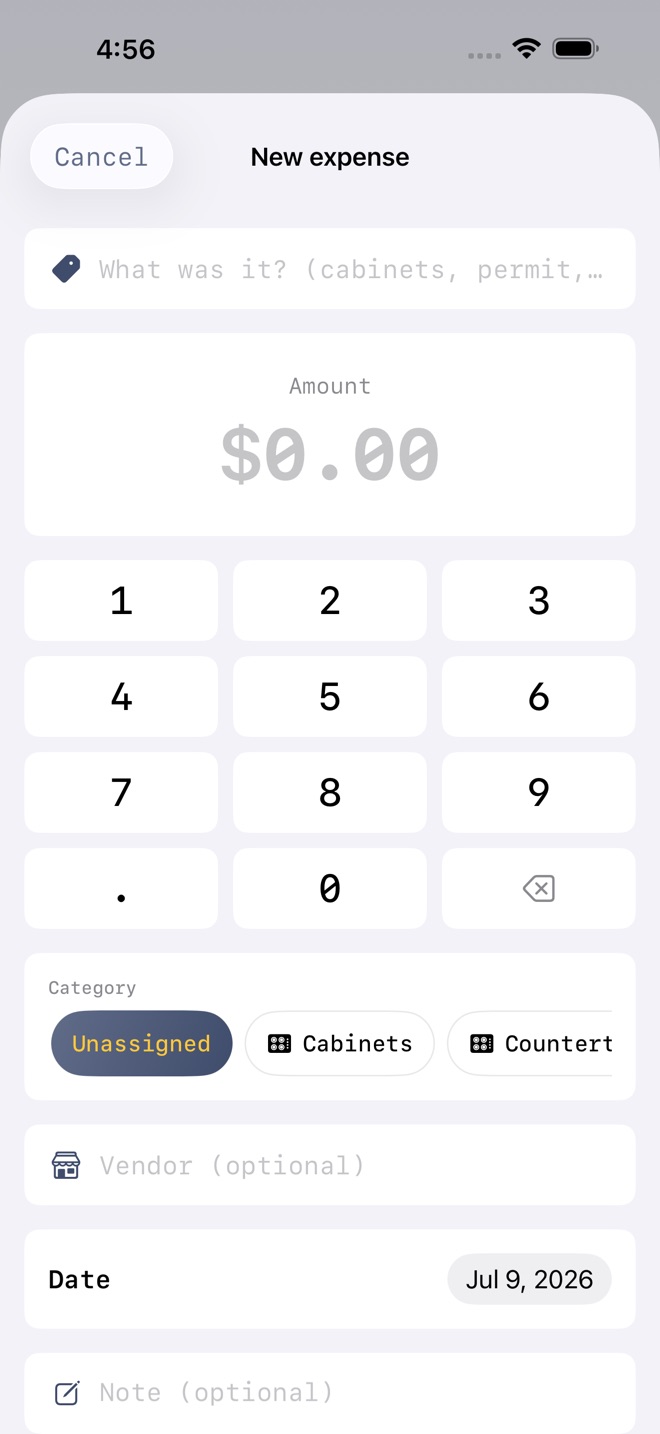
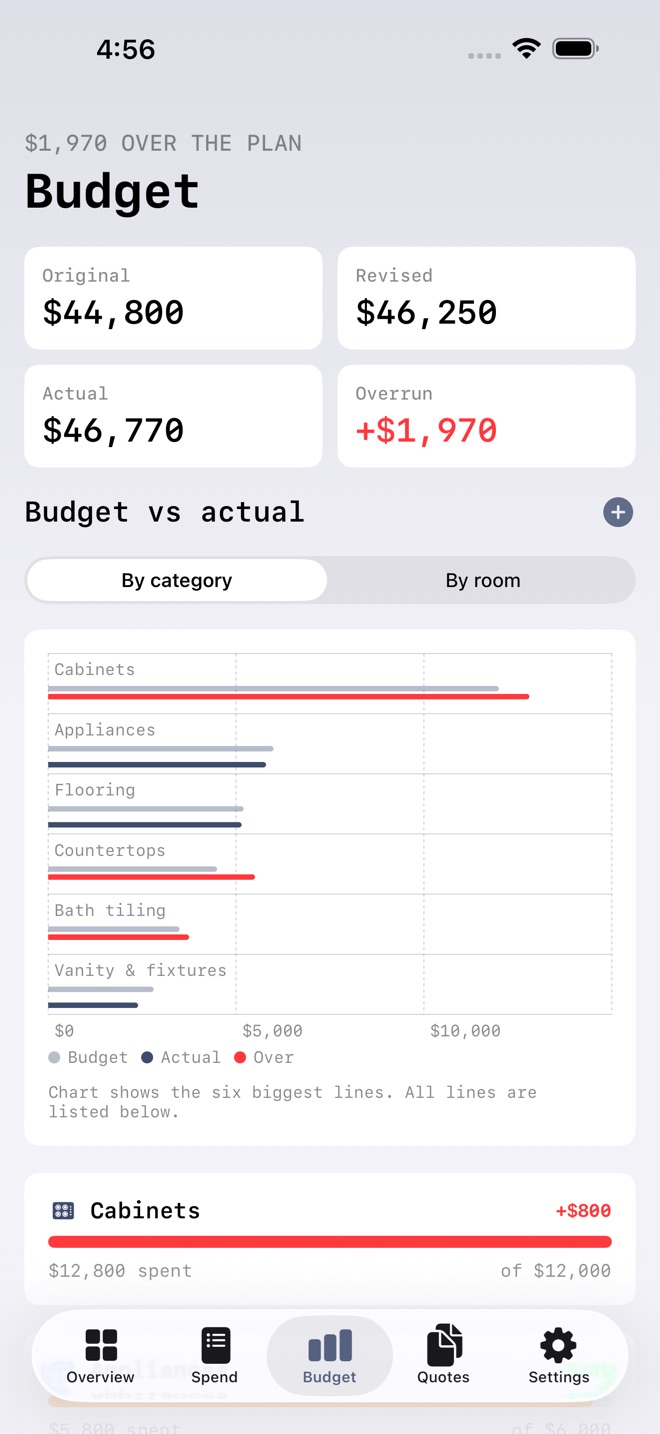
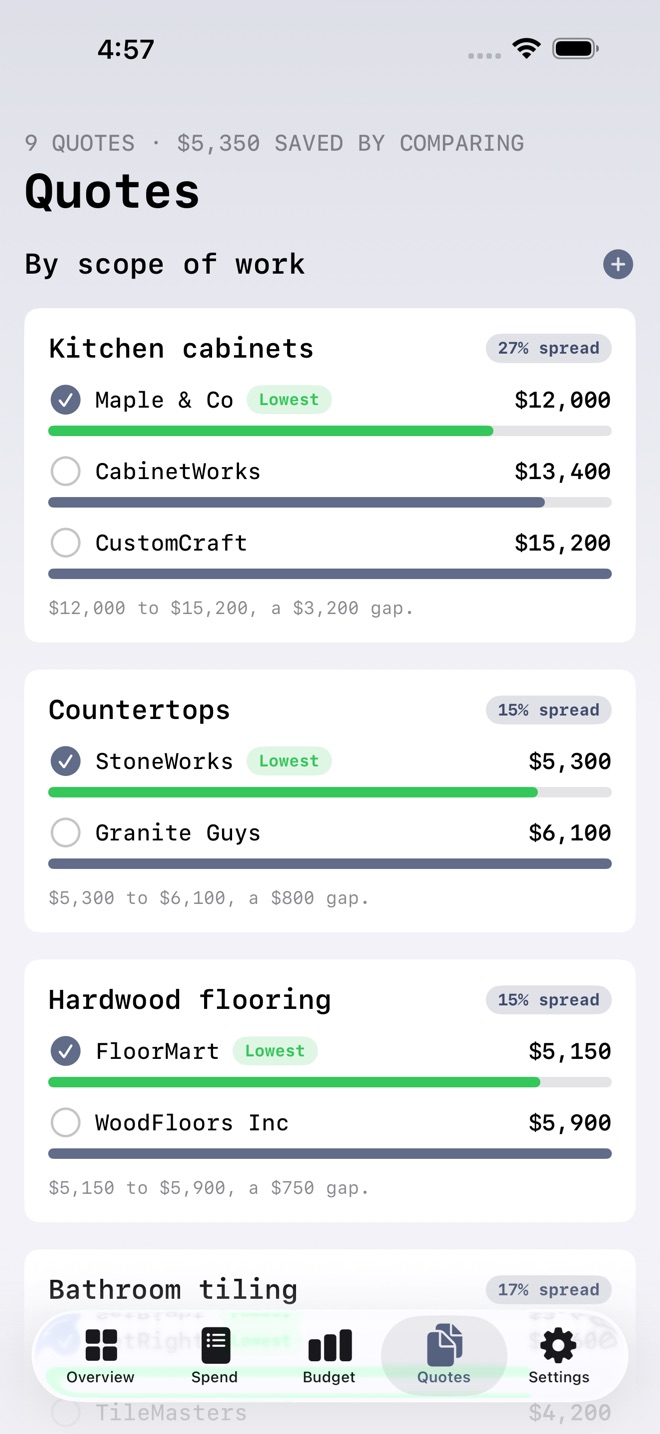
RenoLedger tells you exactly where the renovation money went, and what the overrun really is.
Set a budget line for each part of the work, log every expense against it, and RenoLedger does the maths: budget versus actual per line and per room, the money already spent, and the overrun. It even separates approved change orders from plain overspend, so instead of a vague "we went over" you see the honest split: this much was scope you added, this much was going over on the work itself.
WHAT YOU GET
- Projects with a room breakdown: budget lines tagged to the kitchen, the bath, the whole home, and a clear per-room picture of spend against plan
- Budget vs actual per category: a live chart and a row for every line, green under budget, amber close, red over
- The real overrun, explained: approved change orders kept separate from overspend, so the number is honest
- Contractor quote comparison: gather quotes for the same scope, see them side by side with the spread, and mark the one you accepted
- Payment schedule tracking: the deposit, the progress draws, and the final payment, with paid, due soon, and overdue flags
- Change-order log: every added cost and every credit, with a status, feeding the revised budget when approved
- Photo progress log: before, demolition, rough-in, and reveal, straight from your library
- Cost report: a clean PDF of the whole project plus a CSV of every expense, ready to share or print
- Syncs across iPhone, iPad, and Mac with iCloud
FREE AND LIFETIME
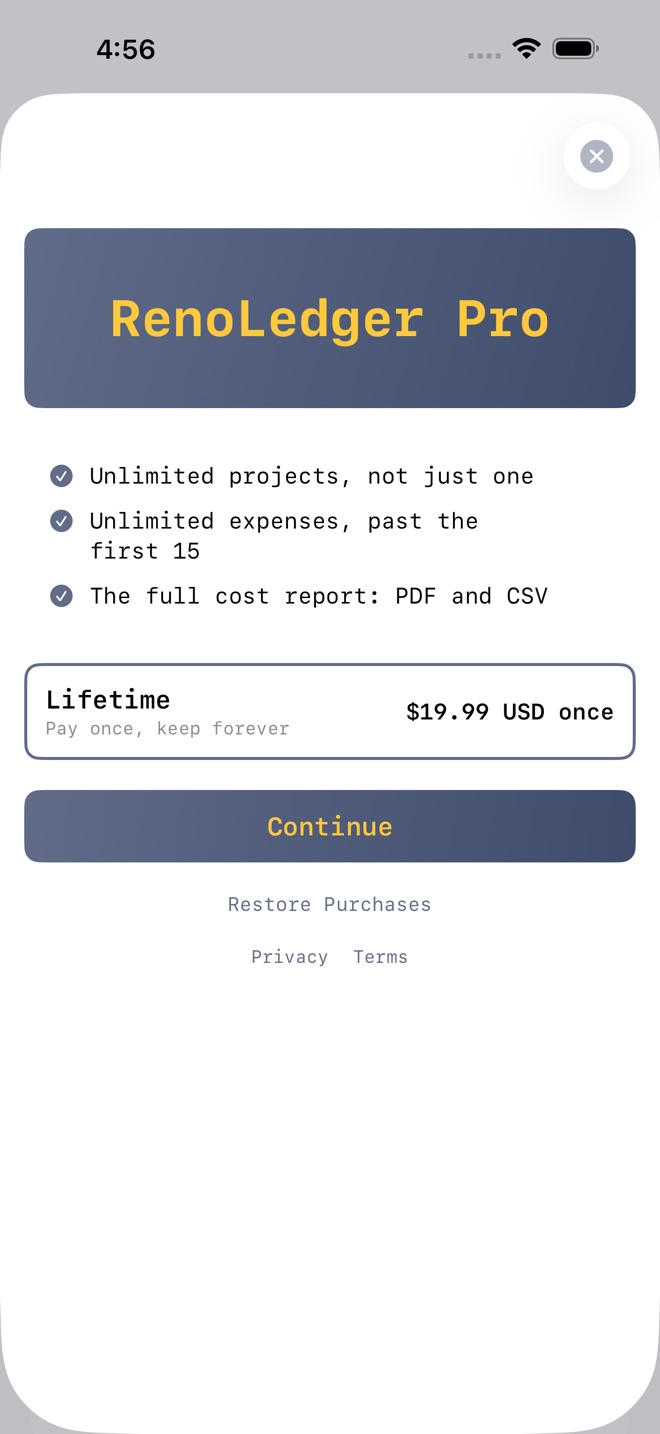
Free includes one full project with fifteen expenses, and every feature: room breakdown, budget vs actual, quote comparison, the payment schedule, change orders, and the photo log. The Lifetime unlock is a one-time purchase of $19.99 USD that adds unlimited projects, unlimited expenses, and the cost report export (PDF and CSV). No subscription, no renewals, one payment. Prices may vary by region.
PRIVATE BY DESIGN
No account and no tracking. Your ledger lives on your devices and in your private iCloud database, where we cannot read it.
RenoLedger is a personal budgeting and record-keeping tool for your renovation. It does not provide financial advice.
Terms of Use (Apple Standard EULA): https://www.apple.com/legal/internet-services/itunes/dev/stdeula/
Missing a feature?
Your ideas help shape our apps. Tell us what would make your app more useful.
We review requests to understand what would help. Timing depends on scope, priorities and App Store review.
More from InnovaLabWorksShiftTally: Tips & ShiftsSnowballPay: Debt PayoffSpendLens: Budget Envelopes
FinanceMore in this category

AfterClaim: Life BenefitsConnect benefit sources, document requirements, carrier follow ups, beneficiary…On the App Store

BillOrbit: Bill CalendarPut every bill on one calendar, get nudged 3 days, 1 day, and the day it is…On the App Store

CoParentLedger: Kid CostsEvery shared cost for the children, each parent's share under your agreed…On the App Store

CycleFund: Fertility CostsPlan treatment costs clearlyOn the App Store
Common questions
Where can I download RenoLedger: Reno Budget?
Use the App Store link above to see availability, supported devices and current purchase options in your region.
What is the current App Store version?
1.0
Where can I find the privacy details?
Read this app’s privacy policy using the link below. Storage, sync and optional online features are specific to each app.